

Collections in the console: documents, fields and rules
Add documents field by field with typed values or as JSON, import many at once from JSON, JSON Lines or CSV, and set who may read, write and delete each collection.
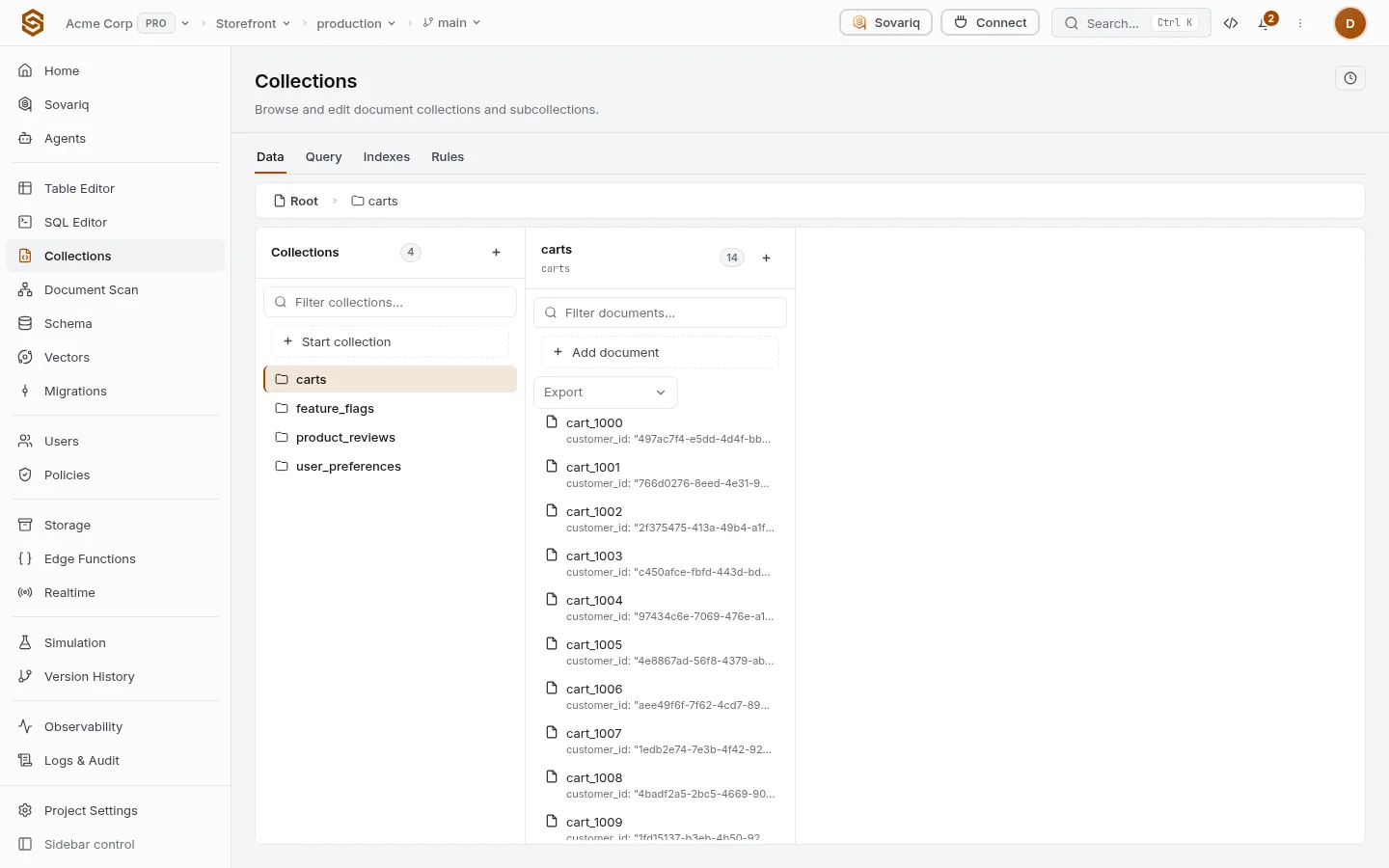
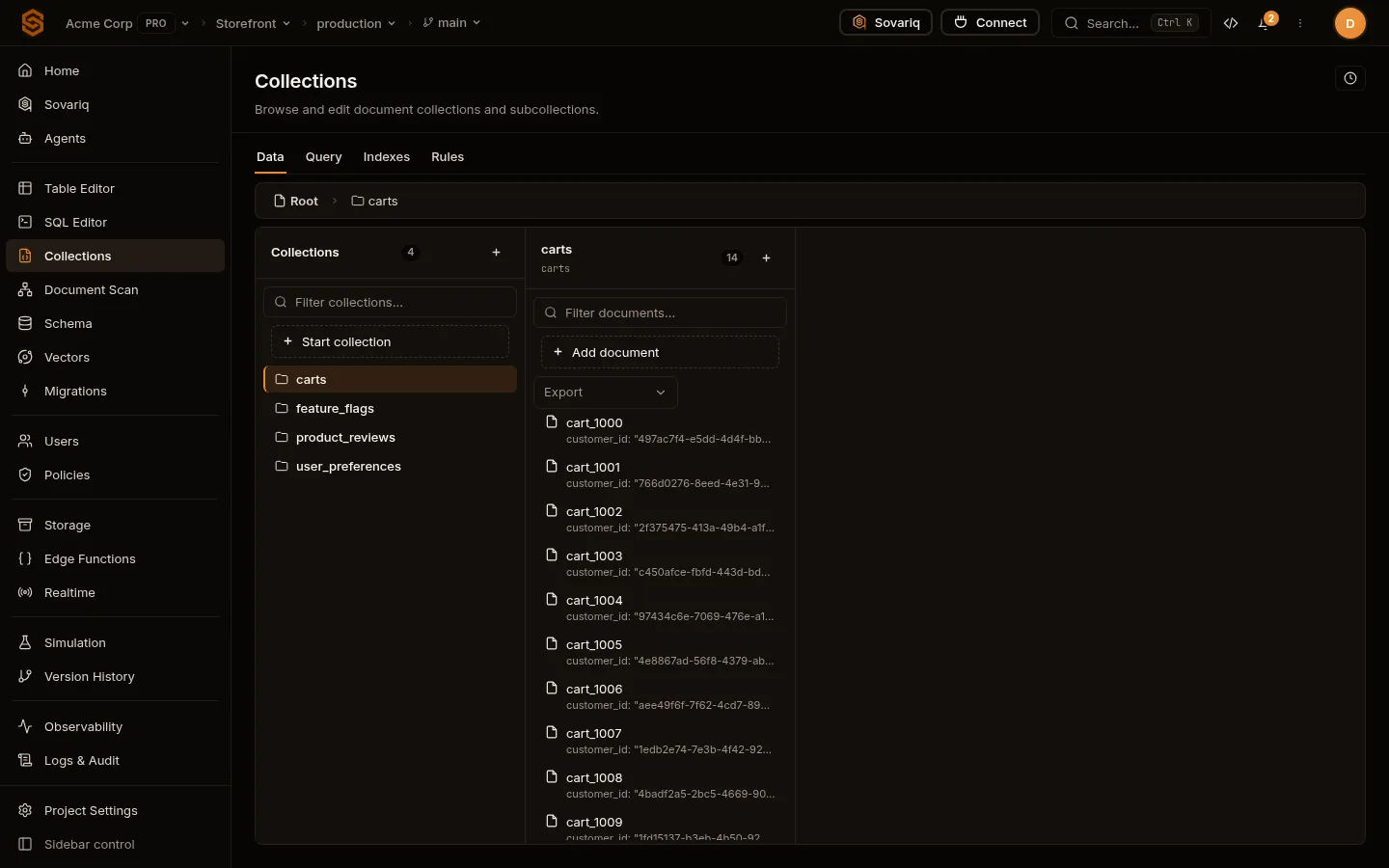
Add a document
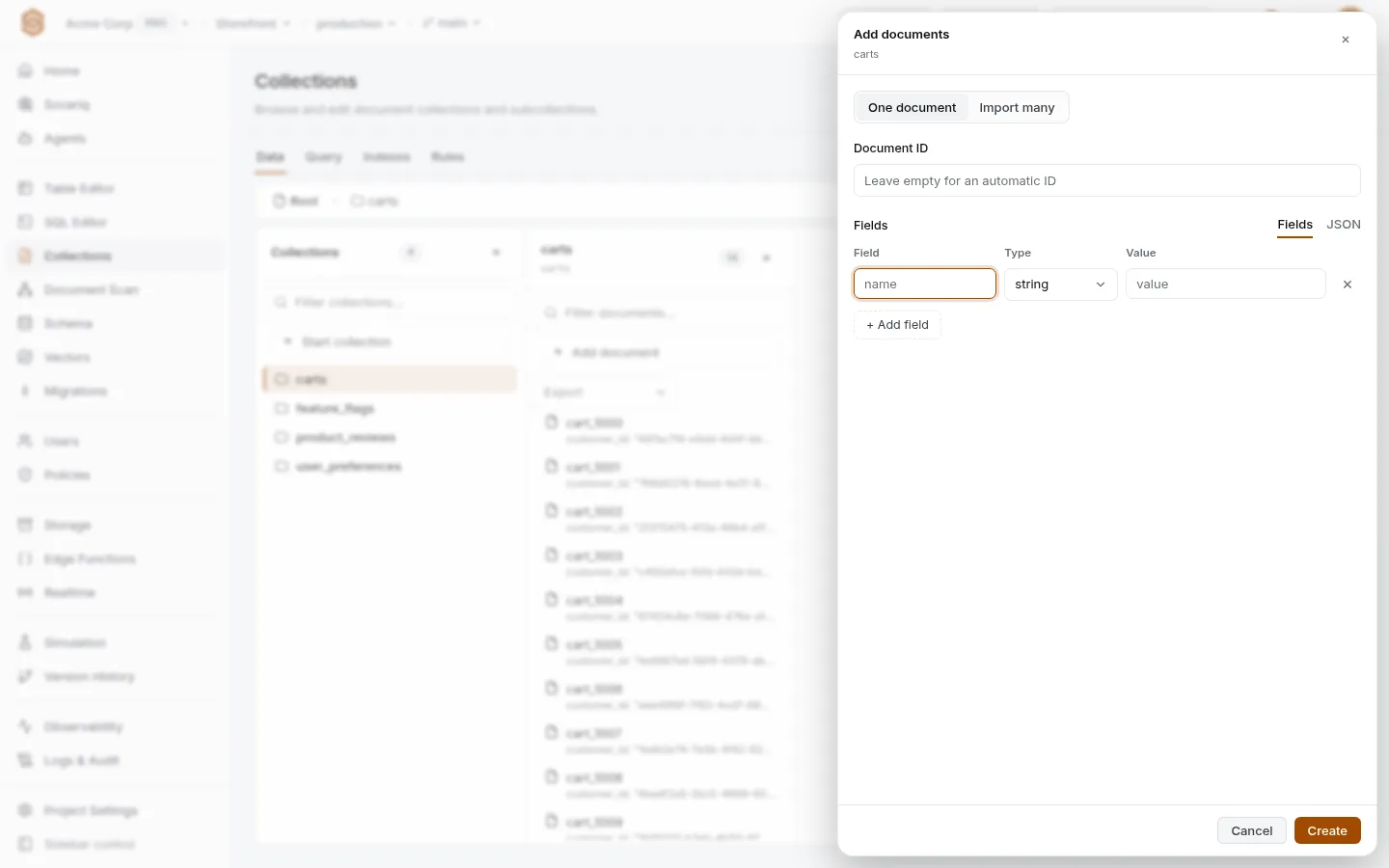
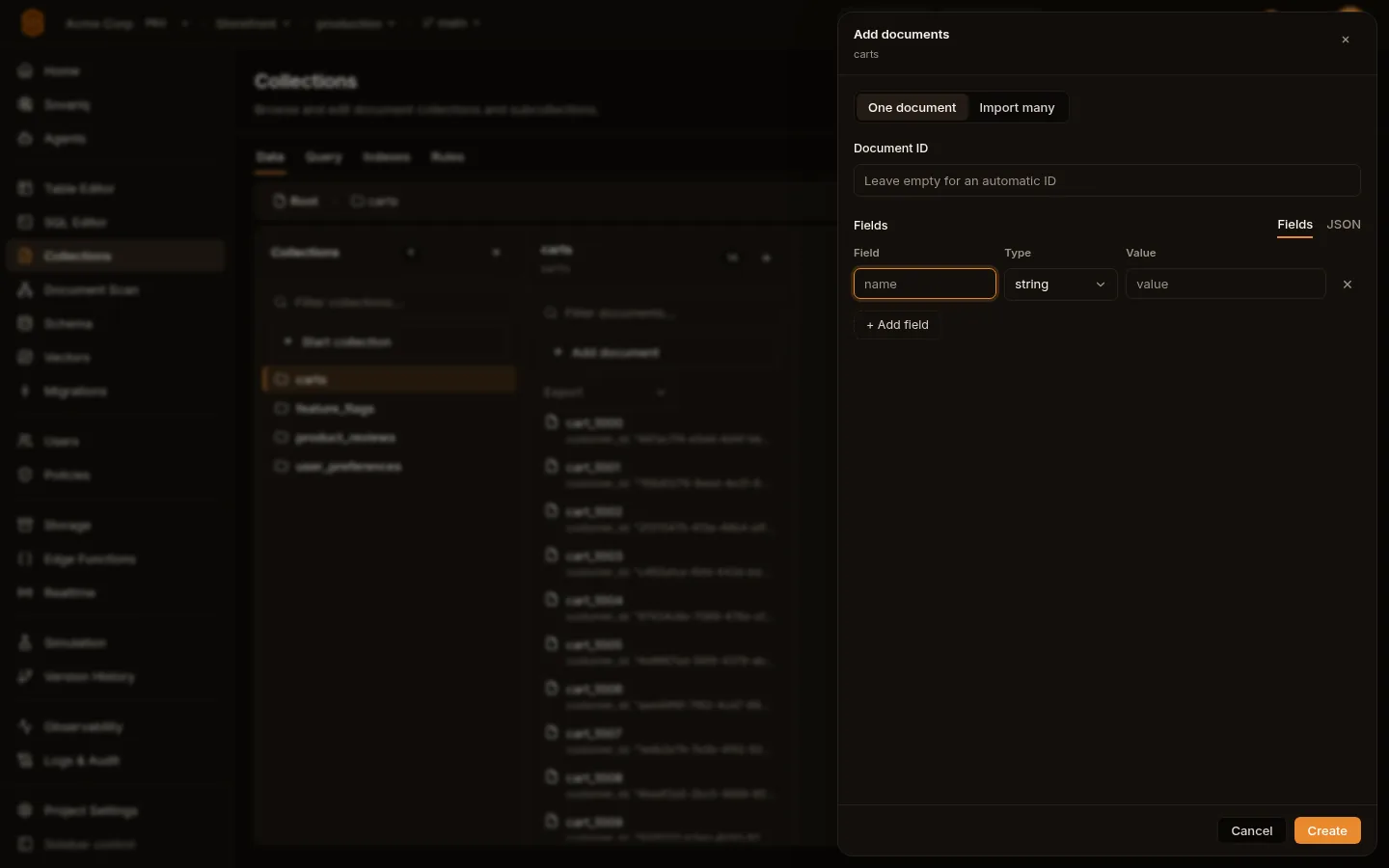
Open a collection and choose Add document. Leave Document ID empty for an automatic one. Under Fields, each row is a name, a type and a value; + Add field adds another. The JSON tab edits the same document as text, and switching keeps your data.
| Type | Value you enter | Stored as |
|---|---|---|
| string | Any text | "Ada" |
| number | A number | 36 |
| boolean | true or false | true |
| null | — | null |
| timestamp | A date and time | A timestamp (sortable, comparable in queries) |
| map | A JSON object: { "city": "Pune" } | A nested object |
| array | A JSON array: ["a", "b"] | A list |
| geopoint | lat, lng | A location |
| reference | collection/doc | A link to another document |
| bytes | Base64 | Binary data |
The form tells you which row is wrong before saving: a missing name, two fields with the same name, a value that isn’t a number, or JSON that doesn’t match the type. Names can’t start with __ or contain /.
Import many
Import many takes a JSON array, one object, JSON Lines or CSV with a header row (address.city columns become nested fields), pasted or uploaded. ID field names the field to use as each document’s ID (empty: automatic). Replace documents that already exist overwrites them; otherwise they are kept and reported. Every 500 documents are written together — all of them or none.
Who can read and write
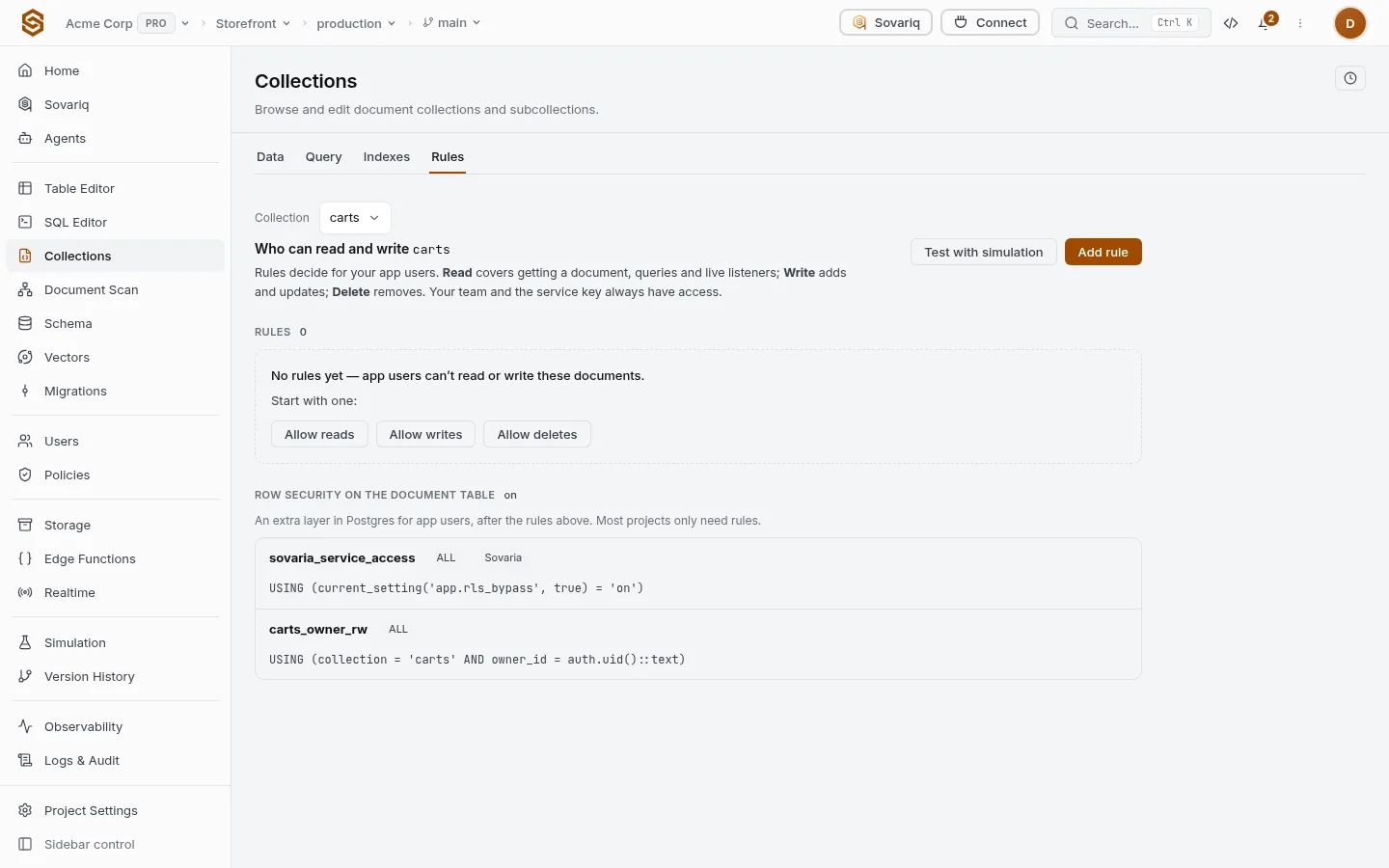
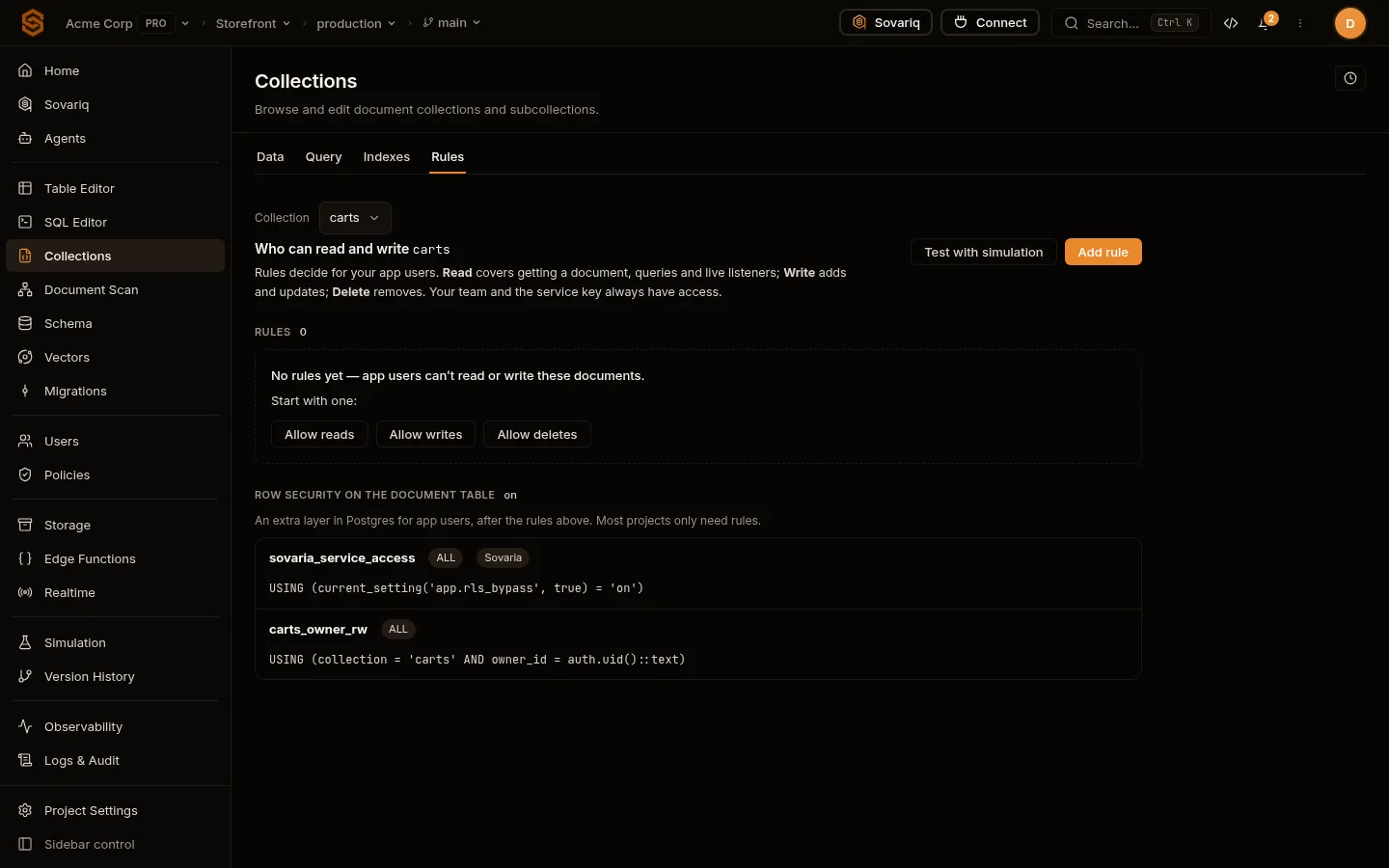
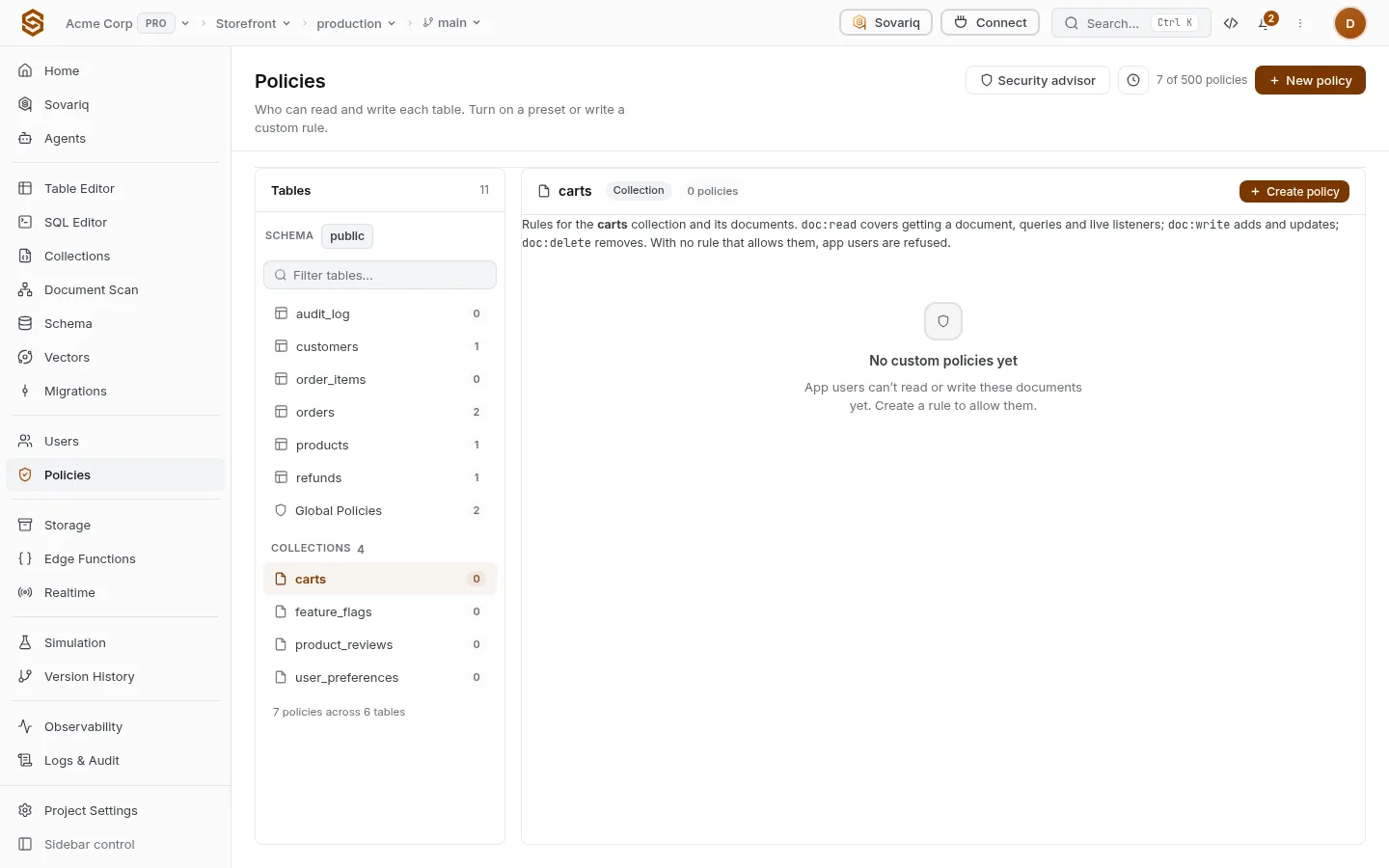
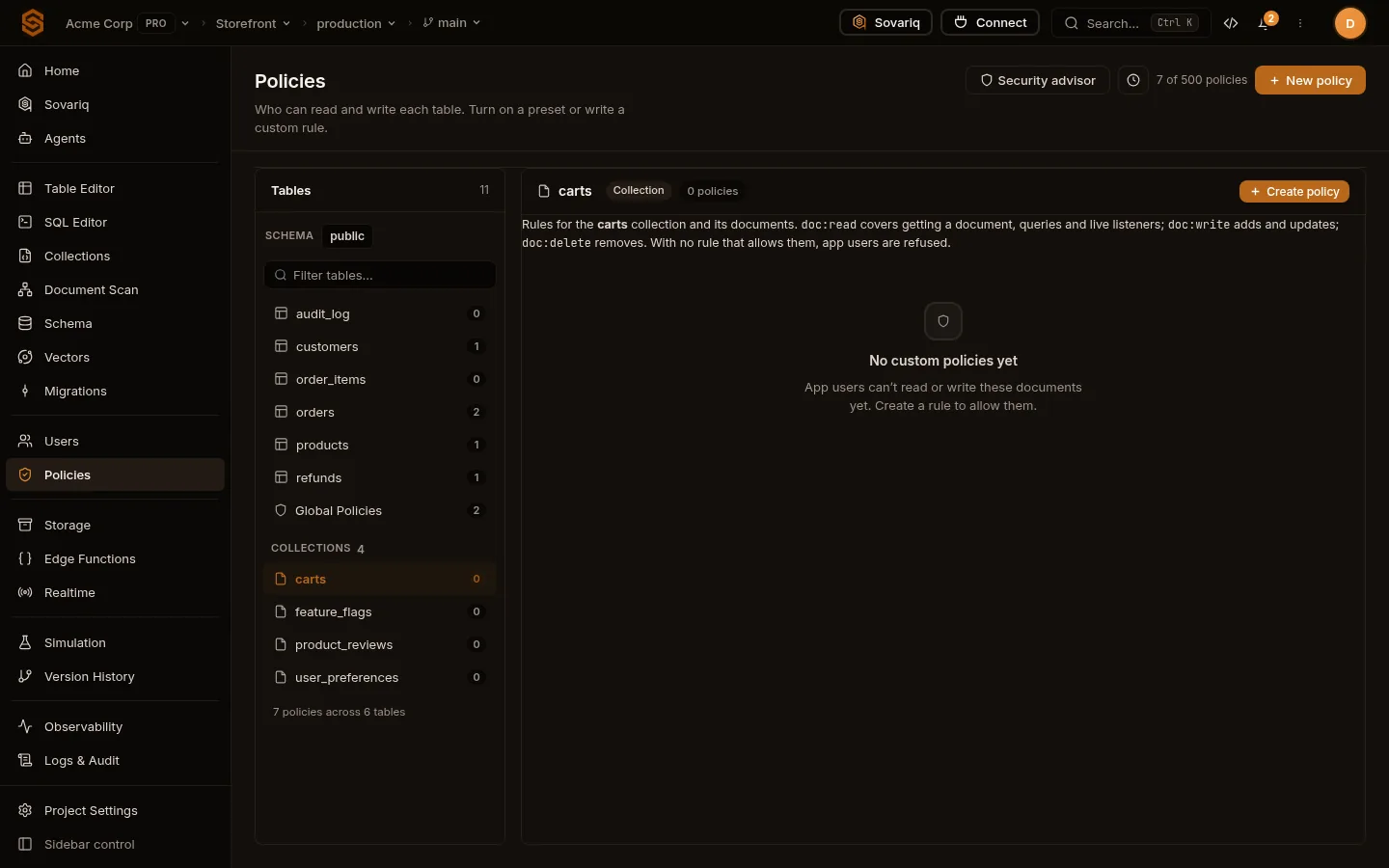
The Rules tab shows the rules for the collection in plain words (“Allow · Read · for signed-in users”). Rules live on the Policies page with your table rules: collections have their own group there, and their rules use three actions:
| Action | Covers |
|---|---|
doc:read | Getting a document, queries and live listeners. |
doc:write | Adding and updating documents. |
doc:delete | Removing documents. |
ALLOW IF ctx.action == "doc:read" AND ctx.resource.name == "orders" AND ctx.actor.is_anonymous == False
ALLOW IF ctx.action == "doc:write" AND ctx.resource.name == "orders" AND "STAFF" IN ctx.actor.roles
With no rule that allows them, app users are refused; your team and the service key always have access. Allow reads / writes / deletes on an empty Rules tab opens Policies with a complete rule filled in. Row security on the document table is an optional extra layer for app users.
From code
await sov.doc('carts/cart_1001').set({
  customer_id: user.id,
  items: [{ sku: 'tea-01', qty: 2 }],
})
const mine = await sov.collection('carts').where('customer_id', '==', user.id).limit(20).get()