

Realtime
Broadcast messages on channels, track who is online, and stream database changes to clients.
Realtime connects clients over WebSockets. Use channels to broadcast messages (chat, cursors, game state), presence to see who is connected, and database change data capture to push inserts, updates and deletes from your tables.
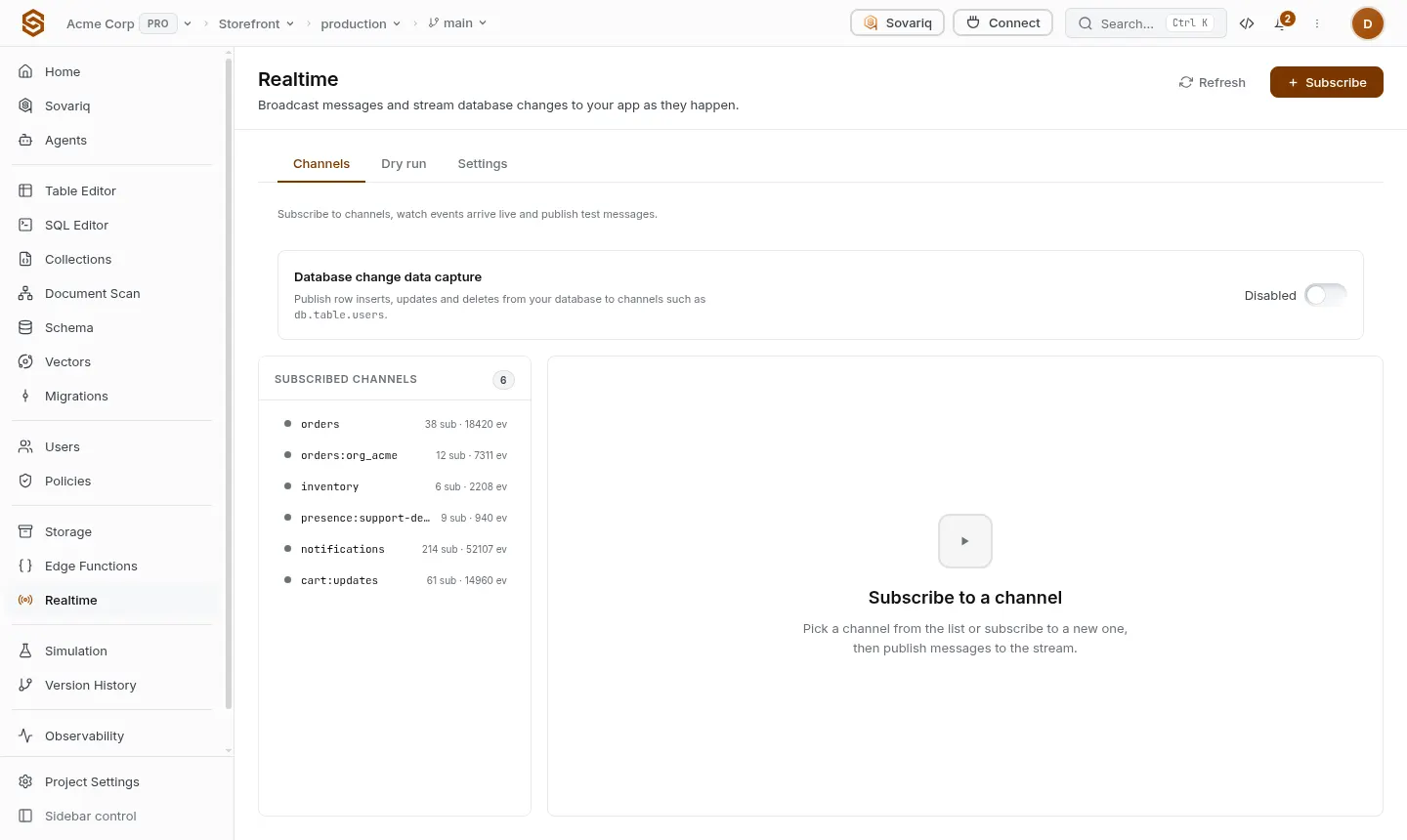
Subscribe to a channel
The SDK first gets a one-time ticket for the channel (checked against your rules), then opens the WebSocket with it. Tickets work once and expire after a few seconds, so a leaked URL is useless.
const url = await sovaria.realtime.wsUrlWithTicket('room-42')
const ws = new WebSocket(url)
ws.onmessage = (e) => {
  const msg = JSON.parse(e.data)
  console.log(msg.payload)
}Publish
await sovaria.realtime.publish('room-42', { text: 'Hello!', at: Date.now() })Presence and history
sovaria.realtime.presence(channel)— who is connected right now.sovaria.realtime.replay(channel, after, limit)— messages a client missed while it was offline.
Who can join and publish
Channel rules are project policies with two actions: SUBSCRIBE and PUBLISH. A common rule lets users only join channels that carry their own id, using ctx.realtime.in_own_channel. Add them under Policies, which has ready-made realtime templates.
Database changes
Turn on Realtime → Database change data capture and choose the tables. Every insert, update and delete is published on that table's channel. Subscribers only receive rows they are allowed to read under your row-level security.