

API keys
The anon, service role and custom keys: what each can do, where to use it, and how to rotate and revoke keys.
Every request carries either an API key or a signed-in user's session. Keys belong to one project; using a key against another project is refused.
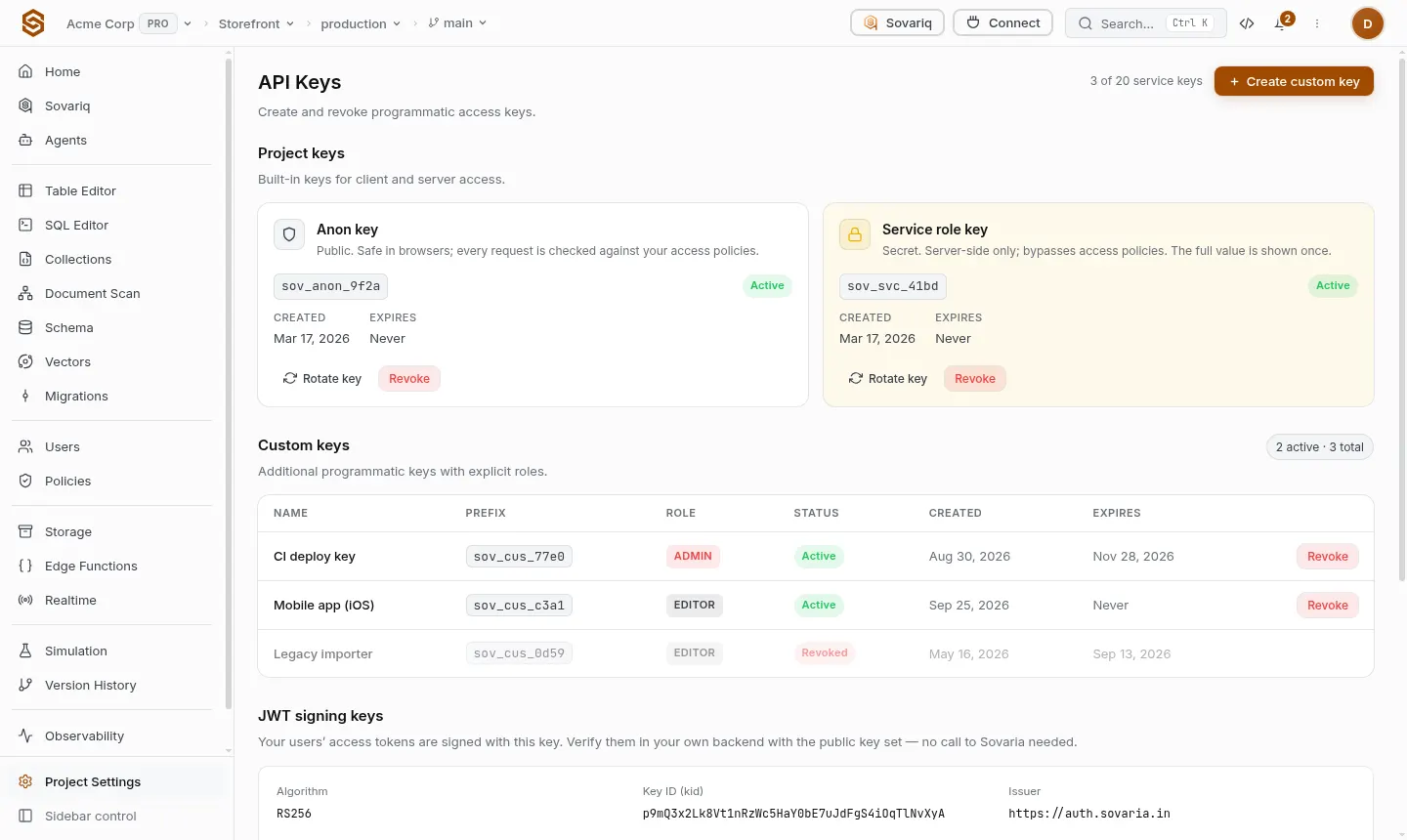
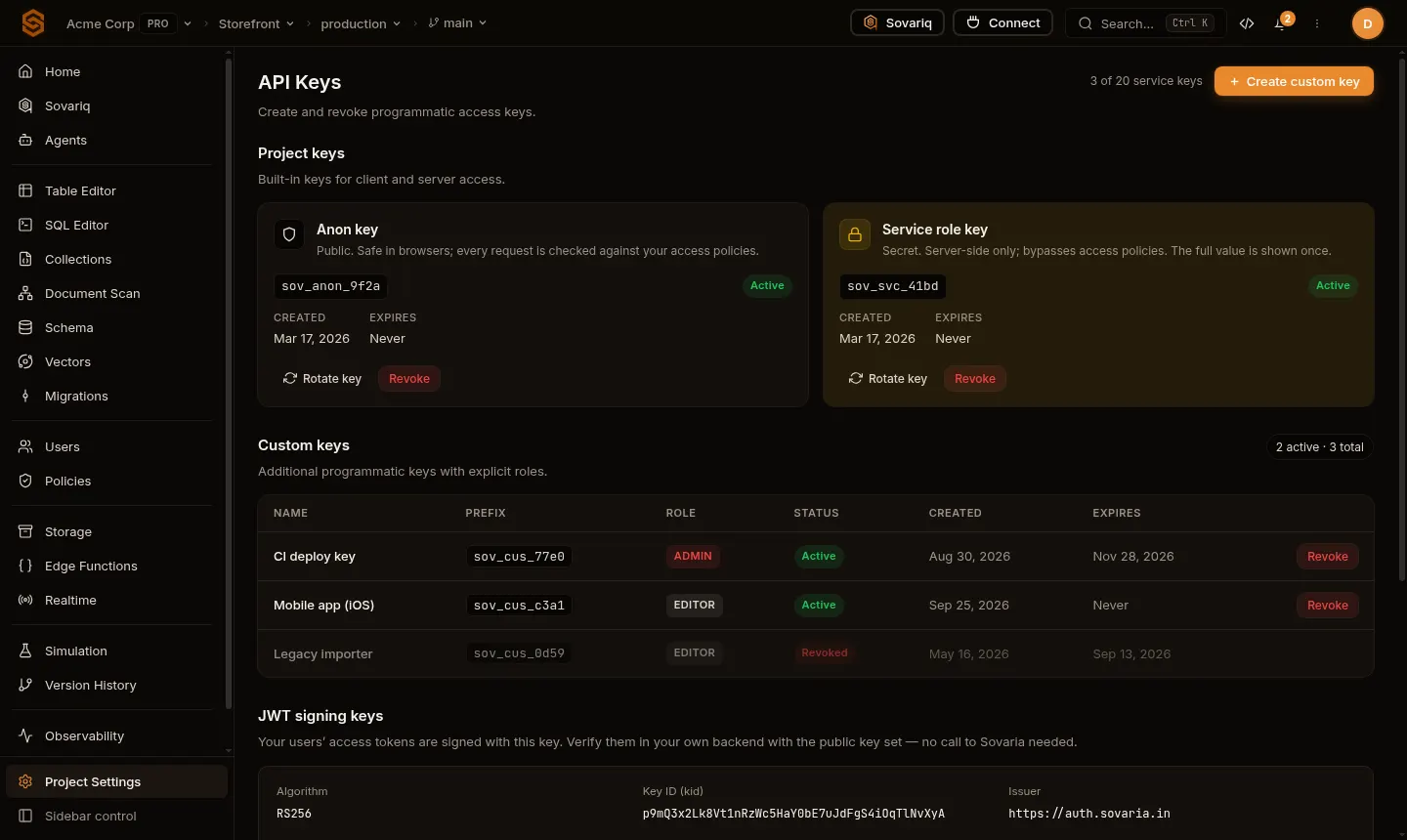
Key types
| Key | Use it in | Access |
|---|---|---|
| Anon (publishable) | Browsers, mobile apps, public clients | An anonymous visitor: auth.uid() is empty and your policies decide everything. |
| Service role | Your servers and CI only | Full access; bypasses policies and row-level security. Treat it like a database password. |
| Custom | One integration or job | A role you choose (admin, editor, viewer) and an optional expiry. |
Sending a key
Use apikey: <key> or Authorization: Bearer <key>. The SDKs do this for you from the second argument of createClient.
Create, rotate and revoke
- The full value of a new key is shown once — copy it into your secret store straight away.
- Rotate creates a replacement and revokes the old key; apps still using the old one stop working, so deploy the new value first.
- Owners and admins get an email whenever a key is created or revoked.
sov keys list
sov keys create --name ci-deploy --role admin   # printed once
sov keys revoke <key-id>Verifying user sessions in your own backend
App-user access tokens are JWTs signed with your project's key (RS256). Verify them in your own API with the public key set at https://<project-ref>.sovaria.in/auth/v1/.well-known/jwks.json — no call to Sovaria per request needed.
Something unclear or missing on this page?Tell us