

Migrations
Version your schema: apply changes atomically, share one history with your team, dry-run them, roll back, and promote from staging.
A migration is a named schema change with optional rollback SQL. Sovaria applies each migration in a single transaction and records it in the project's migration history, so your team, CI and the console all see the same state. Schema changes you make in the SQL editor or Table Editor are recorded too.
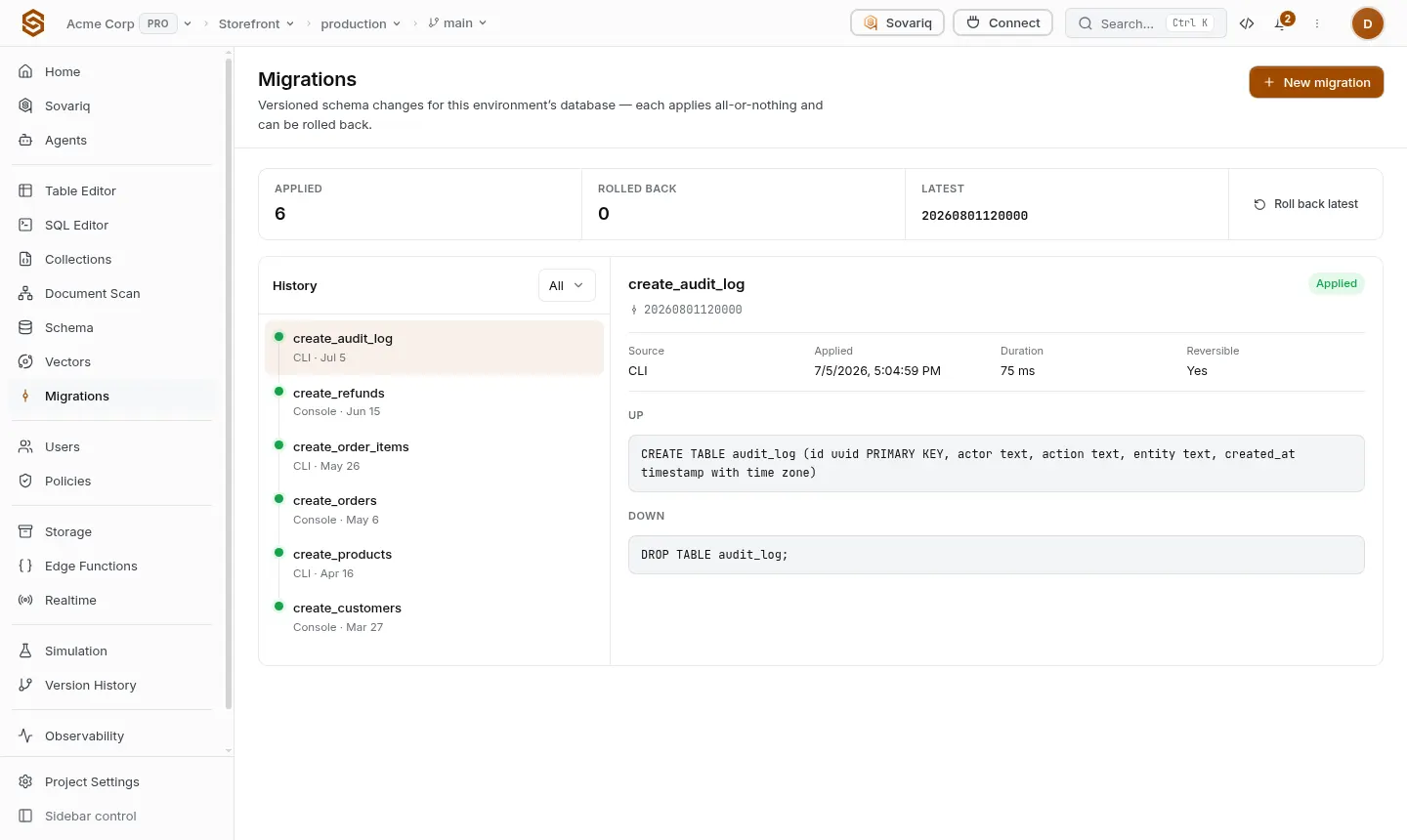
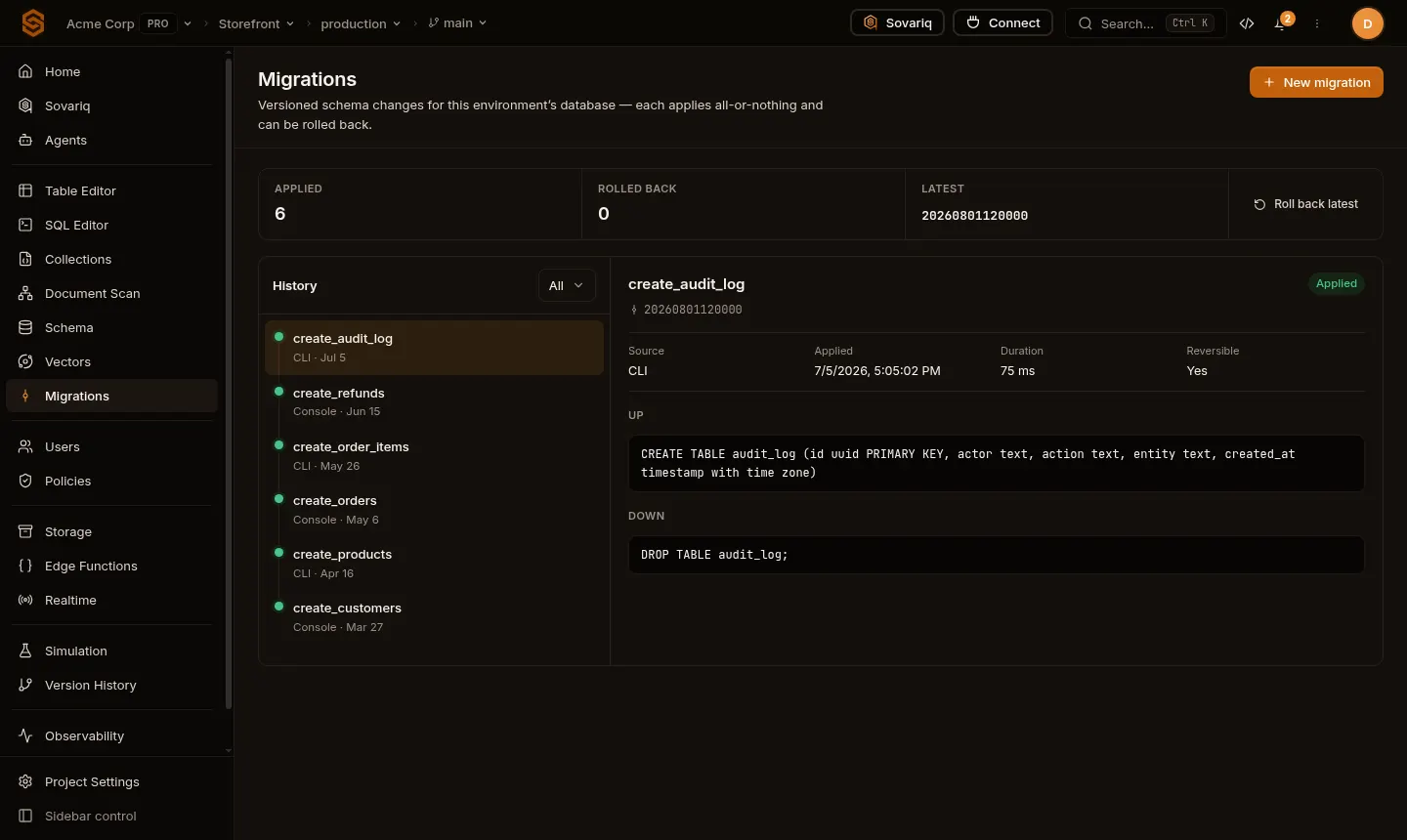
Write a migration file
Keep migrations in sovaria/migrations/. sov db migrations new <name> creates a timestamped file. Put rollback SQL under a -- migrate:down line (or in a sibling <name>.down.sql).
-- migrate:up
create table reviews (
  id bigint generated always as identity primary key,
  product_id bigint not null references products (id),
  author_id uuid not null default auth.uid(),
  rating smallint not null check (rating between 1 and 5),
  body text
);
alter table reviews enable row level security;
alter table reviews force row level security;
create policy "authors manage reviews" on reviews
  for all using (author_id = auth.uid()) with check (author_id = auth.uid());

-- migrate:down
drop table reviews;Apply
sov db migrations push --dry-run   # runs each pending file in a transaction, then rolls back
sov db migrations push             # applies pending files and records them
sov db migrations list             # the project's history
push compares your files with the server history and applies only what is missing, so running it twice is safe and teammates never re-apply each other's changes. Migrations need a console member with schema rights (owner or admin) or the service role key.
Roll back
sov db migrations rollback                              # undo the latest migration
sov db migrations rollback --version 20261013 --force # undo an older oneStaging → production
On plans with environments, apply migrations to a staging environment first. From the staging Migrations page, Promote to production applies the same migrations to production in order (with a dry run first).
In CI
Sign the CLI in with a dedicated CI member of your organization (role admin), keeping its password in your CI secrets:
- run: pip install sovaria-cli
- run: sov login --email ci@yourcompany.com --no-pick-scope --file-storage
  env:
    SOVARIA_PASSWORD: ${{ secrets.SOVARIA_CI_PASSWORD }}
- run: sov db migrations push --org "$SOVARIA_ORG_ID" --project "$SOVARIA_PROJECT_ID" --dry-run
- run: sov db migrations push --org "$SOVARIA_ORG_ID" --project "$SOVARIA_PROJECT_ID"Notifications
Owners and admins get an in-app notification and an email when a migration is applied, and when one from the CLI or CI fails.
Start from an existing database
sov db pull      # current schema as a baseline migration file
sov db diff      # compare the live schema with your last snapshot