

Authentication overview
Sign-in methods for your app users, how sessions work, and the settings that control them.
Sovaria Auth manages the people who use your app — your project's app users. They are separate from your console team, live only in your project, and every request they make is checked by your policies.
Sign-in methods
| Method | Use it when | Guide |
|---|---|---|
| Email and password | The classic sign-up form. | Email and password |
| Magic link and code | Passwordless sign-in by email (link or 6-digit code). | Magic links and email codes |
| Social sign-in | Google, GitHub, Microsoft, Apple, GitLab, Discord and more. | Social sign-in |
| Anonymous | Let people try your app before creating an account. | Turn on under Users → Sign in / Providers |
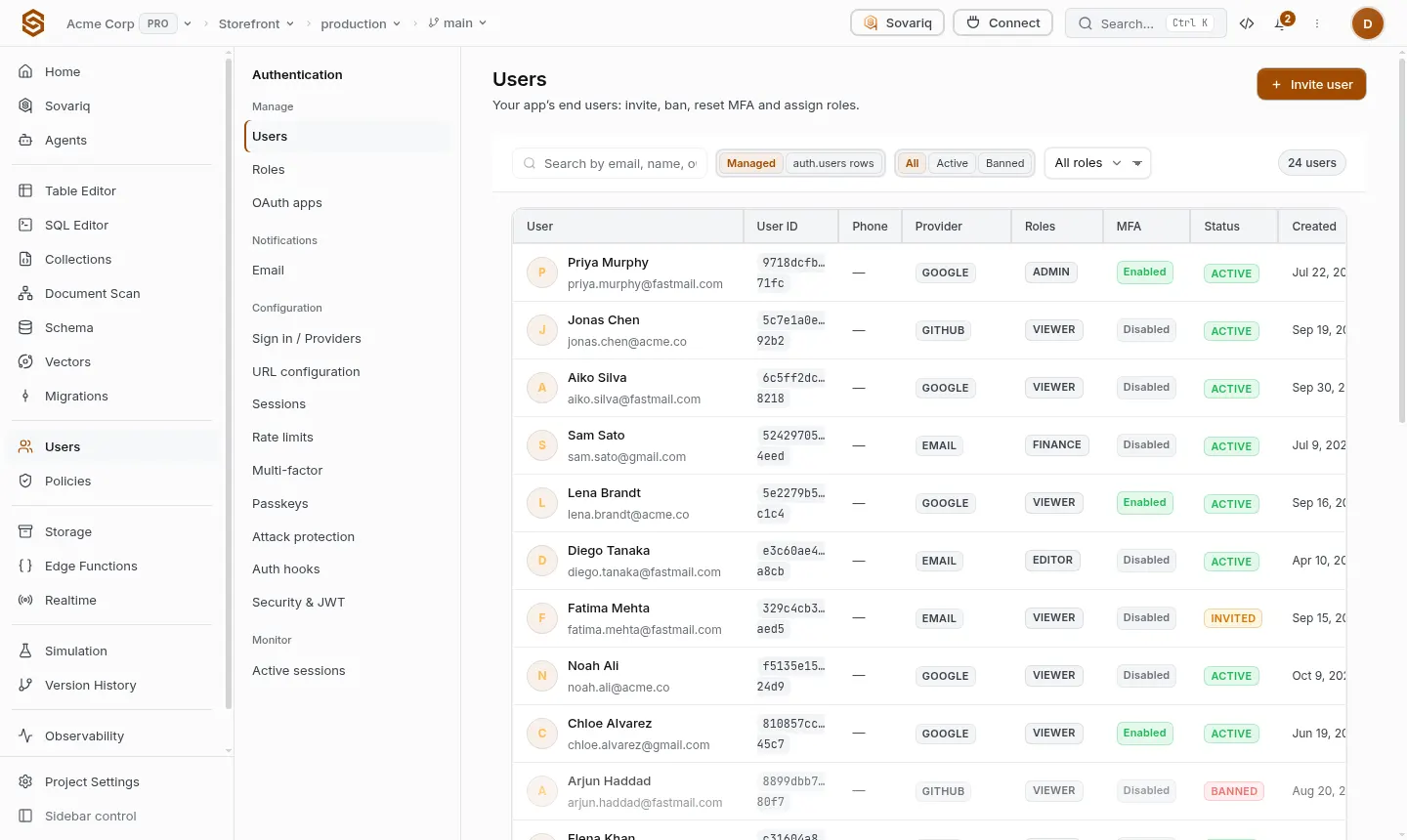
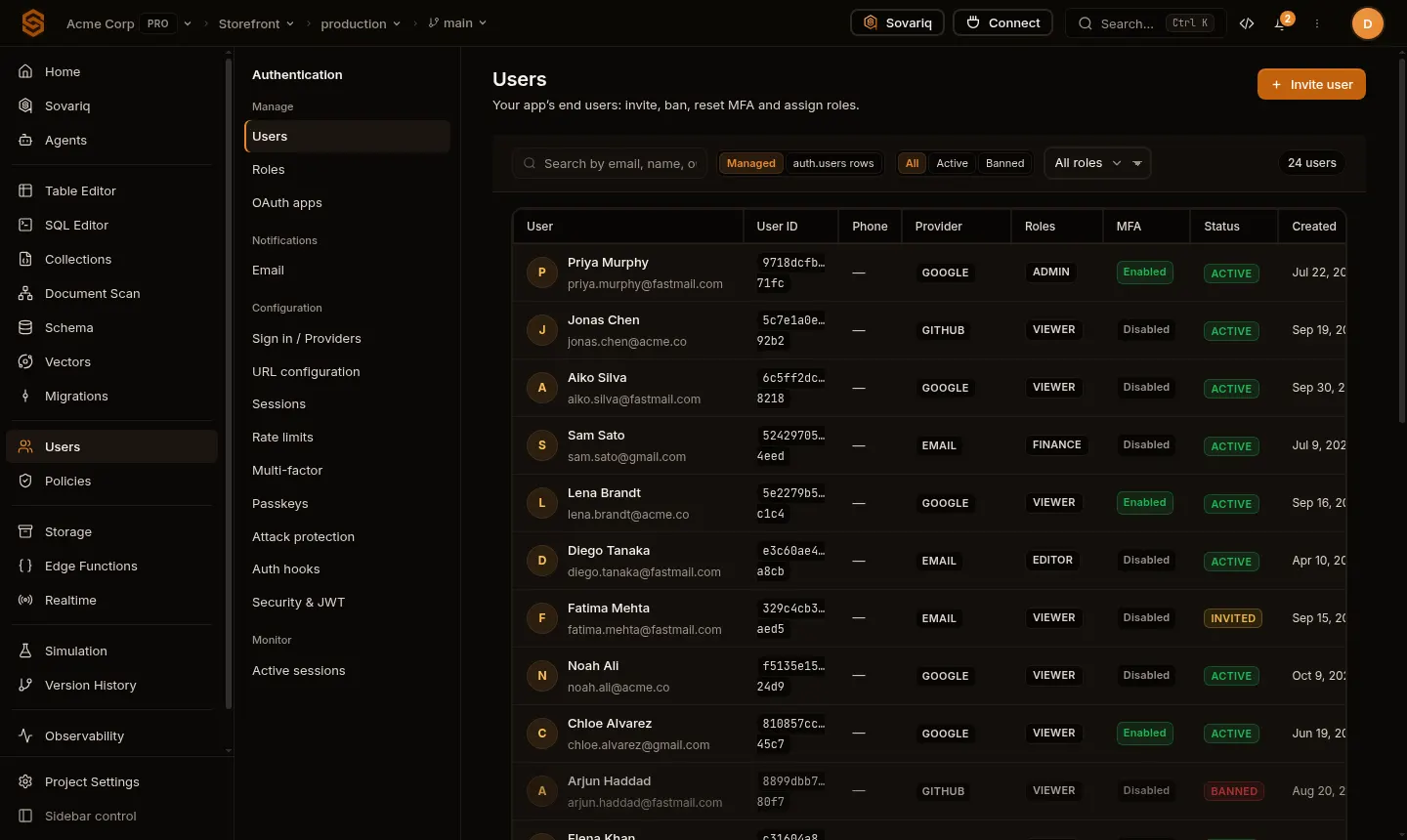
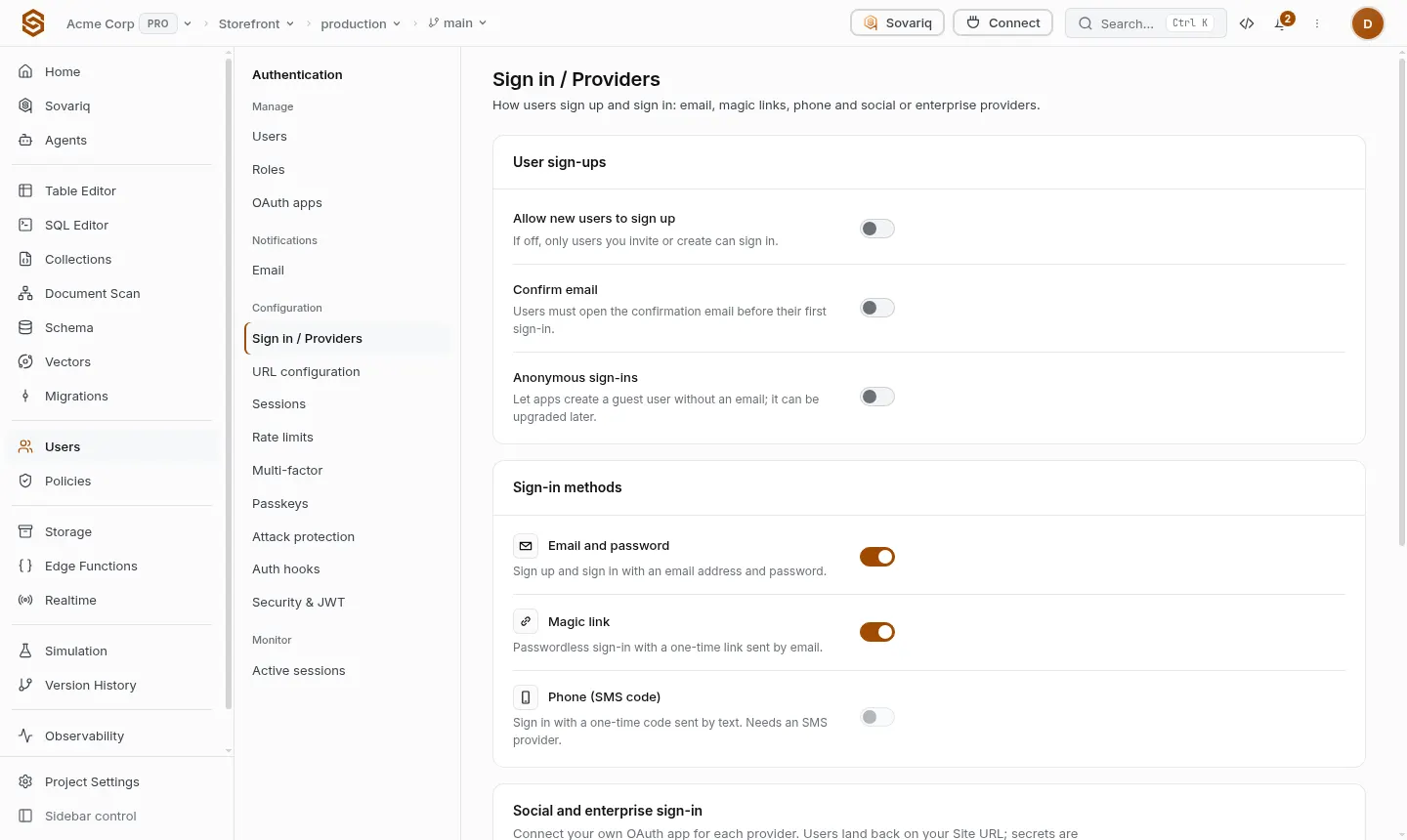
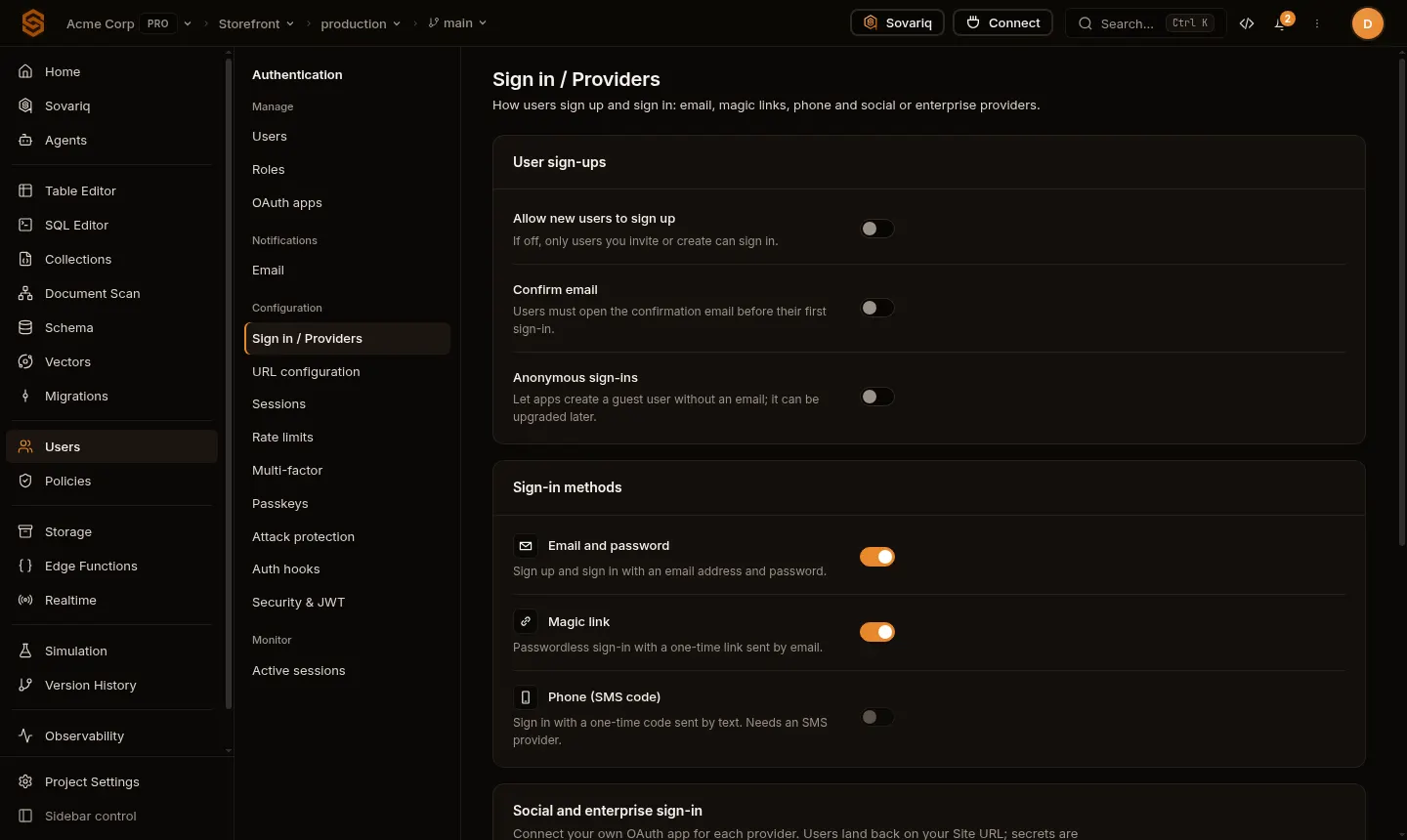
Turn methods on or off under Users → Sign in / Providers. A method that is off is refused by the API, not just hidden in your UI.
Let people sign up
New projects only allow users you invite or create. To let anyone create an account from your app, turn on Allow new users to sign up (Sign in / Providers — the same switch appears as Public app sign-up under Security & JWT). While it is off, sign-ups from your app fail with 403 and you add users from the Users page or your server.
Sessions
- Signing in returns an access token (valid 15 minutes) and a refresh token (valid 7 days by default).
- The SDKs refresh the access token automatically before it expires.
- Signing out (
sovaria.auth.logout()) revokes the refresh token and the current access token immediately. - Changing or resetting a password signs the user out on every other device.
Settings that matter
| Setting | Where | What it does |
|---|---|---|
| Who may sign up, email confirmation | Sign in / Providers | Open sign-up or invite-only; require users to confirm their email first. |
| Site URL and redirect URLs | URL configuration | Where email links and social sign-in send people back to. Other URLs are refused. |
| Sessions | Sessions | Session length, single-session mode, refresh token reuse. |
| Rate limits and attack protection | Rate limits / Attack protection | Caps sign-in attempts and sign-up bursts per IP and per email; leaked-password check; CAPTCHA. |
| MFA and passkeys | Multi-factor / Passkeys | Second factors and passwordless device keys. |
| Emails | Sender (your own SMTP) and the text of every email (Auth emails). | |
| Password rules, custom JWT claims | Security & JWT | Minimum length and character rules; extra claims in access tokens. |
Built-in protections
- Passwords are hashed with bcrypt and never stored or logged in plain text.
- Password reset and magic-link requests return the same response whether or not the email exists, so accounts can't be discovered.
- Links and codes work once and expire (magic links 15 minutes, email confirmation 24 hours).
- Users get an email when someone signs in from a new device or their password changes (on by default; Security & JWT → Security alert emails).