

Storage
Store files in buckets, control who can read and write them, and serve them with public or signed URLs.
Files live in buckets. A bucket has a size limit per file, an optional list of allowed content types, and access rules that decide who can upload, download and delete. Files are addressed by a path such as avatars/<user-id>/photo.png.
Create a bucket
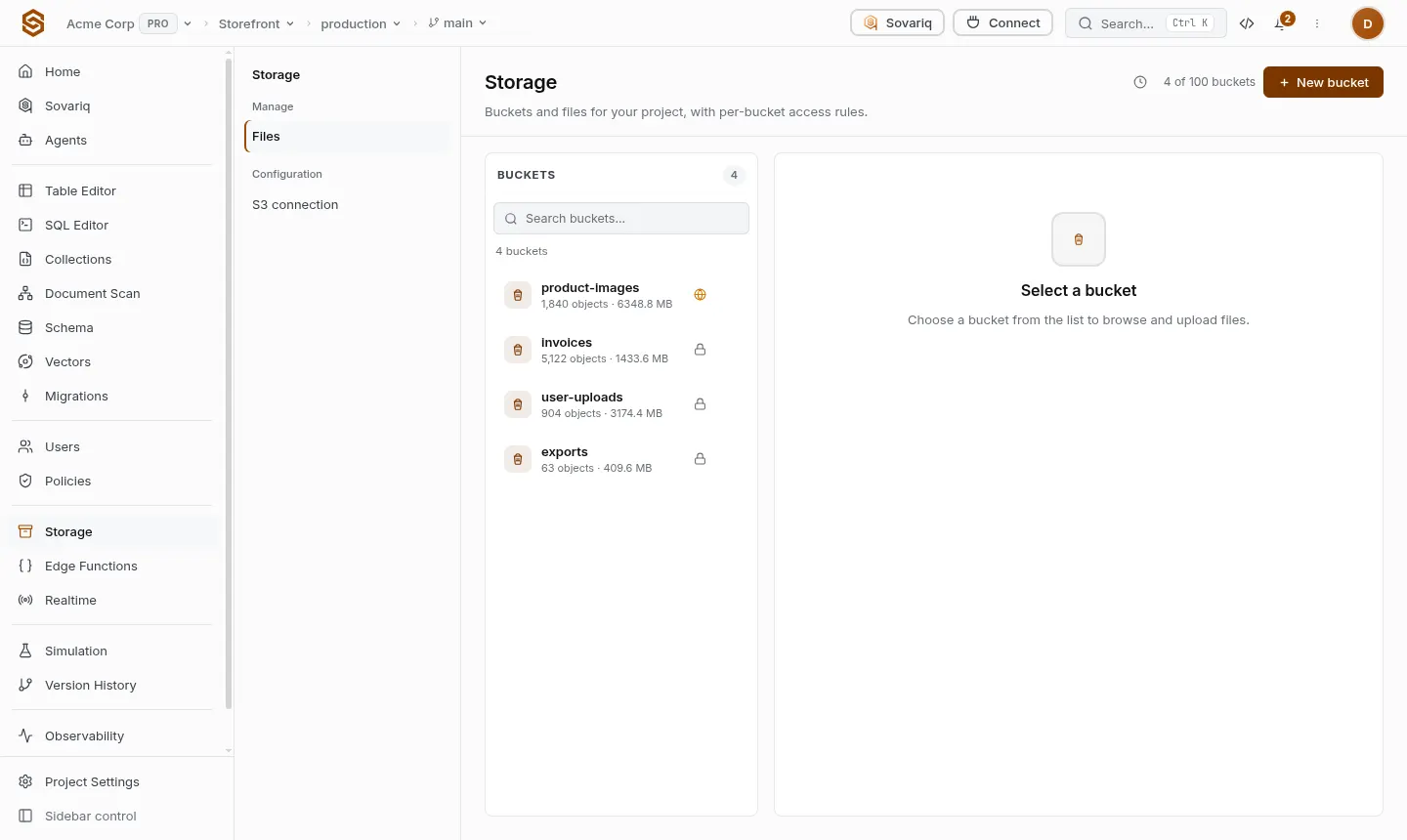
In Storage → New bucket, pick a name, whether it is public, and who can access it. The defaults are the safe ones: signed-in users manage files in their own folder (<user id>/…) and project admins can do everything.
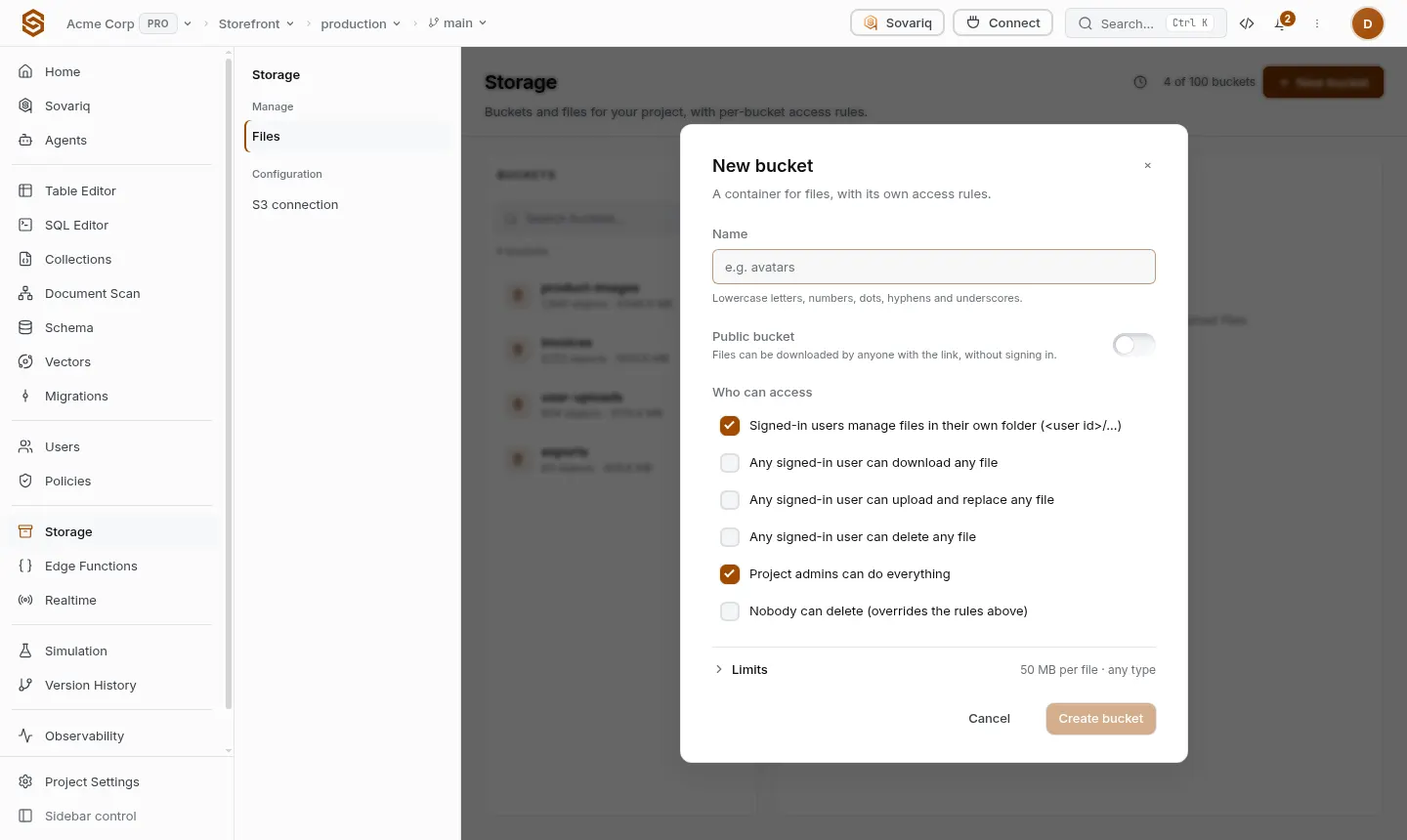
| Access rule (as shown in the dialog) | What it allows |
|---|---|
| Signed-in users manage files in their own folder | Upload, download and delete only under <their user id>/. Other paths are refused. |
| Any signed-in user can download any file | Read access for every signed-in user. |
| Any signed-in user can upload and replace any file | Write access for every signed-in user. |
| Any signed-in user can delete any file | Delete access for every signed-in user. |
| Project admins can do everything | App users with the admin role (and the service role key). |
| Nobody can delete | Overrides the rules above — good for receipts and audit trails. |
| Public bucket (switch) | Anyone with the link can download, without signing in. |
Visitors who are not signed in (requests with only the anon key) get nothing from a private bucket unless you add a rule for them.
sov storage create-bucket avatars
sov storage bucketsUpload and download
const me = await sovaria.auth.me()
const path = `${me.id}/avatar.png`

await sovaria.storage.upload('avatars', path, file, { upsert: true, contentType: 'image/png' })
const blob = await sovaria.storage.download('avatars', path)
await sovaria.storage.remove('avatars', path)Public and signed URLs
- Public buckets:
sovaria.storage.publicUrl(bucket, path)returns a permanent URL anyone can open. - Private buckets:
sovaria.storage.signDownload(bucket, path, seconds)returns a URL that works for a limited time (default 1 hour).signUploaddoes the same for uploads, so a browser can upload directly without your server in the middle. - Downloads of files that browsers could render as pages (HTML, SVG) are served as attachments, so an uploaded file can't run scripts on your domain.
Limits
File size is capped by the bucket's limit and your plan. Total storage and bandwidth depend on your plan; when a limit is reached uploads return PLAN_LIMIT_REACHED and owners are emailed.