

Row-level security and access
Decide who may use each table and which rows each app user sees — with access policies, Postgres row-level security and the auth helpers.
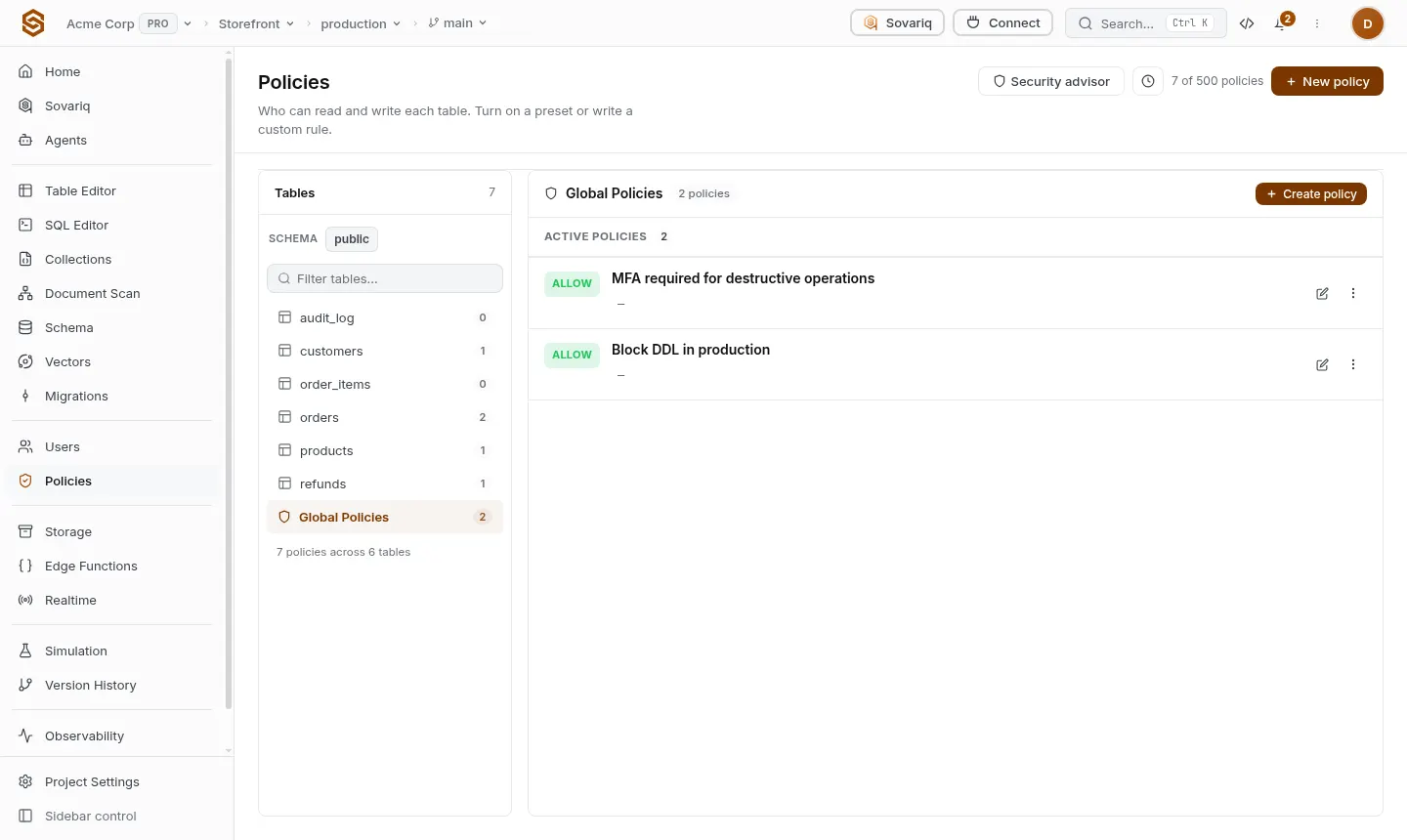
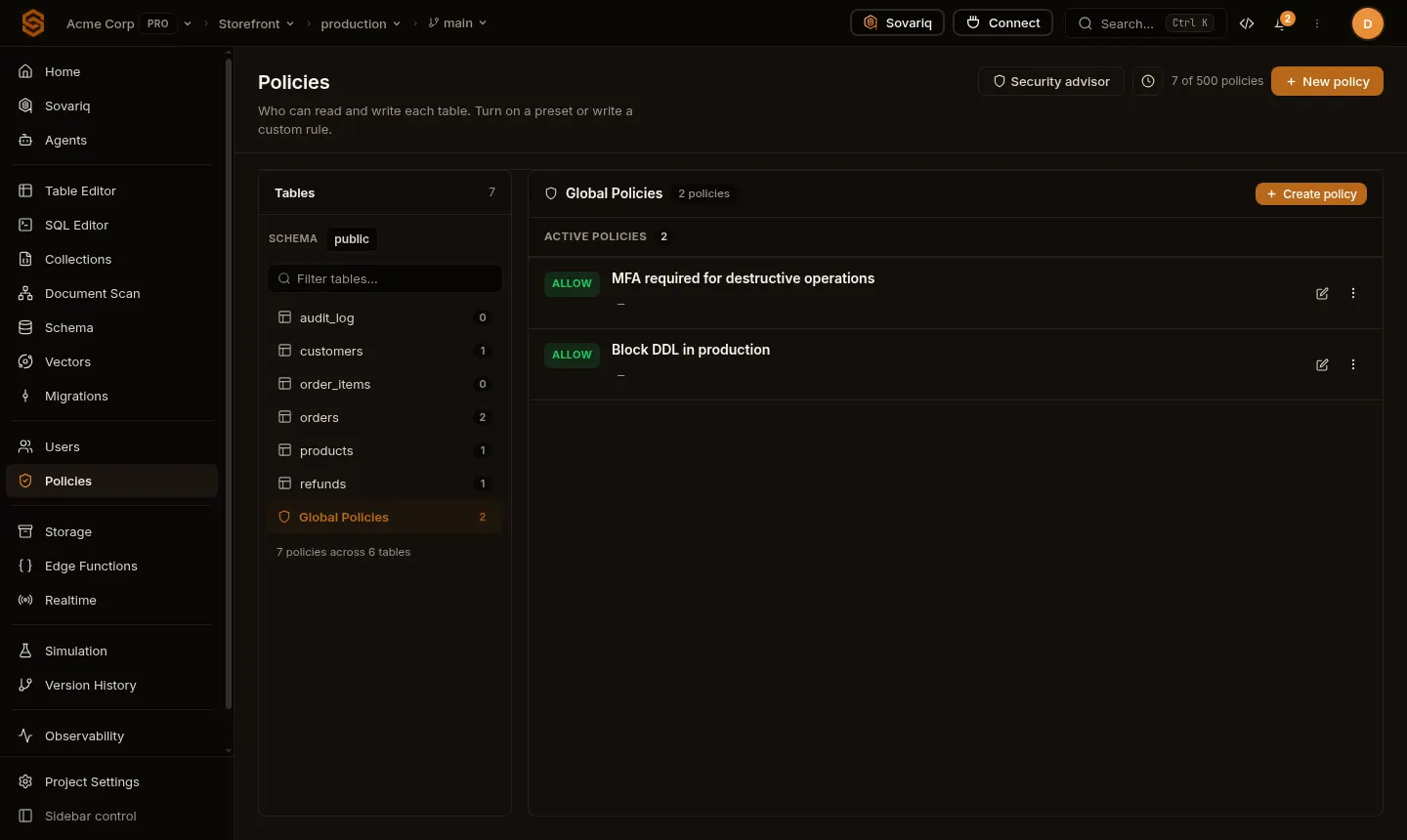
Secure by default: app users and the anon key can't touch a table until you allow it. You decide in two layers, and you can use either or both.
| Layer | Decides | Where you set it |
|---|---|---|
| Access policies | Whether this caller may run SELECT / INSERT / UPDATE / DELETE on the table at all. | Policies page, Row access presets, sov policy, sovaria.policy |
| Postgres row-level security | Which rows that caller sees and may change. | create policy in SQL, or the Owner only preset |
How a request is decided: if an access policy denies it, it's denied. If one allows it, Postgres RLS (when enabled) still filters the rows. If no access policy decides, the table is allowed only when it has RLS enabled and forced — then your Postgres policies decide alone (the familiar Supabase model). Otherwise the request fails with 403 … NO_POLICY_DEFINED.
Option A — Postgres policies only
Enable and force RLS, then write policies with the auth helpers. This is all you need for most apps.
alter table orders enable row level security;
alter table orders force row level security;   -- required: lets Postgres policies decide

create policy "owner reads" on orders
  for select using (user_id = auth.uid());

create policy "owner creates" on orders
for insert with check (user_id = auth.uid());Option B — access policies (presets)
In Policies (or when creating a table) turn on a preset such as Signed-in read or Owner only. They are short rules in Sovaria's policy language, which you can also write yourself:
# Signed-in users may read and write the "notes" table
ALLOW IF ctx.resource.name == "notes" AND ctx.action IN ["SELECT", "INSERT", "UPDATE", "DELETE"] AND ctx.actor.is_anonymous != True

# Nobody who is signed out may touch it
DENY IF ctx.resource.name == "notes" AND ctx.actor.is_anonymous == TrueAuth helpers in SQL
| Function | Returns |
|---|---|
auth.uid() | The signed-in app user's id (uuid); null for anonymous requests (anon key only). |
auth.role() | authenticated for signed-in users, anon for the anon key, service_role for the service key. |
auth.email() | The signed-in user's email. |
auth.has_role('STAFF') | true if the user has that app role (assigned under Users). |
auth.jwt() | All claims of the access token as jsonb. |
Common patterns
Each user sees and changes only their own rows
create policy "own rows" on notes
  for all using (owner_id = auth.uid()) with check (owner_id = auth.uid());
Anyone can read, only staff can write
create policy "public catalogue" on products
  for select using (true);

create policy "staff manage catalogue" on products
  for all using (auth.has_role('STAFF')) with check (auth.has_role('STAFF'));
Team members see their team's rows
create policy "team members" on documents
  for select using (
    team_id in (select team_id from team_members where user_id = auth.uid())
);USING and WITH CHECK
using (...)filters which existing rows a query can see, update or delete.with check (...)validates new or changed rows. Without it a user could write a row they can't read back.
Test before you ship
- Users → (a user) → Test session gives you a short-lived session as that user, so you can run queries exactly as they would.
- Simulation runs a request against your policies without touching data and shows which rule decided it.
- Policies → Security advisor flags tables without protection, public buckets and risky keys.