

Quickstart
Create a project, make a table that each user only sees their own rows of, and sign users up and query it from your app.
You will build the backend for a small notes app: a notes table where every signed-in user only sees and changes their own notes, and a few lines of code that sign a user up, add a note and list notes. Everything on this page was run against a real project before it was published.
1. Create your account and project
Sign up
Go to console.sovaria.in and create an account. With email and password we send a confirmation link first — you need it before you can create an organization. Sign in with GitHub skips this, because GitHub has already verified your email.
Create an organization
An organization holds your team and billing. Use your company or personal name; you can rename it later.
Create a project
Pick a name and the region closest to your users (it can't be changed later). The database is ready in about a minute; the project home shows Postgres · Healthy when it is.
2. Copy your project URL and anon key
Click Connect in the top bar. The API tab shows the two values your app needs:
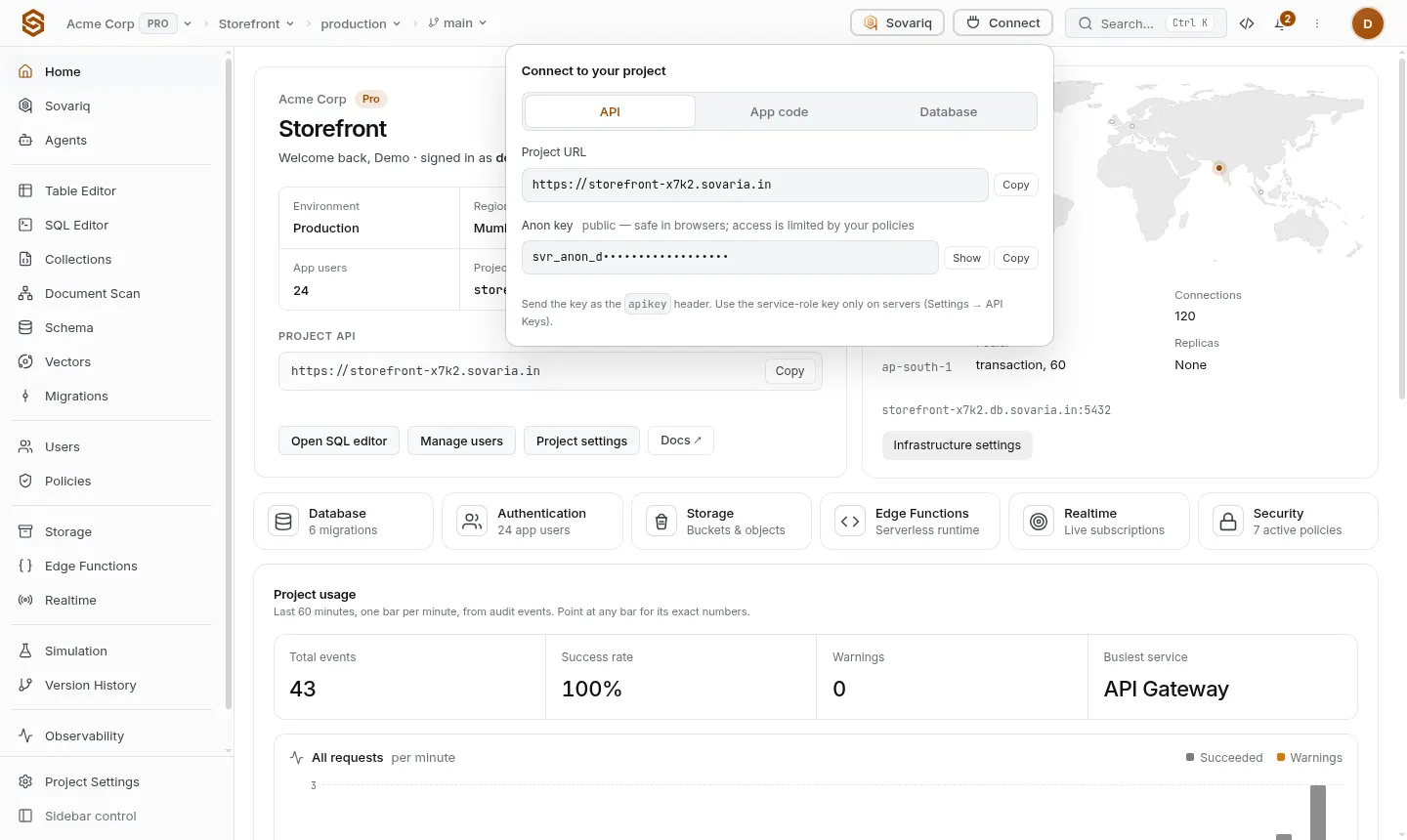
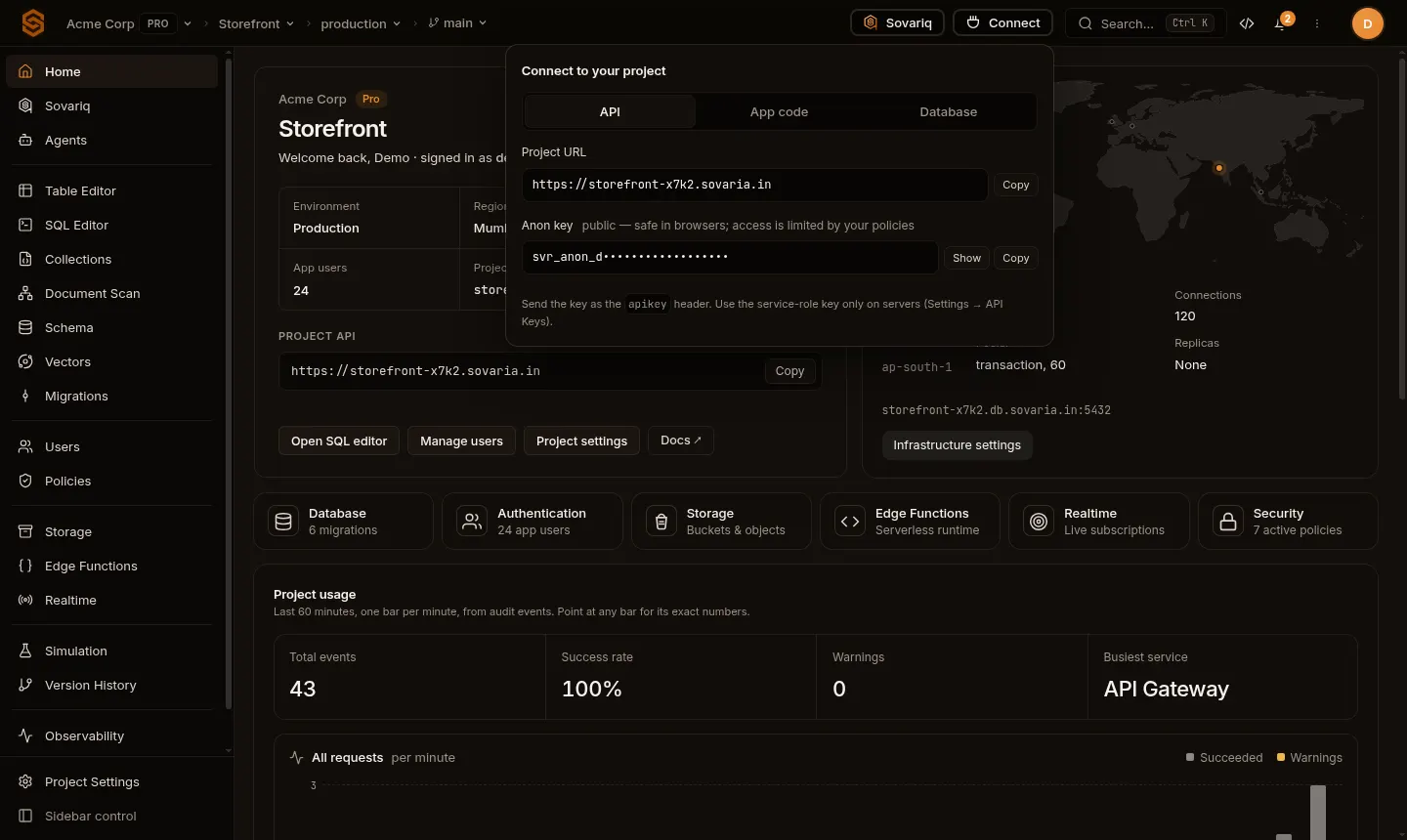
- Project URL —
https://<project-ref>.sovaria.in. Every request goes here. - Anon key — starts with
svr_. It is safe in a browser or mobile app: it only does what your policies allow anonymous visitors to do.
3. Create the table and its row rules
Open SQL Editor, paste this and press Run (⌘/Ctrl + Enter):
create table notes (
  id bigint generated always as identity primary key,
  owner_id uuid not null default auth.uid(),
  body text not null check (length(body) between 1 and 2000),
  created_at timestamptz not null default now()
);

-- Each signed-in user only sees and changes their own notes.
alter table notes enable row level security;
alter table notes force row level security;

create policy "own notes" on notes
for all using (owner_id = auth.uid()) with check (owner_id = auth.uid());auth.uid()is the id of the app user making the request (empty for anonymous visitors), soowner_idfills itself in.enableandforcerow level security are both needed. With RLS forced, Sovaria lets your Postgres policies decide who sees which rows. Without it, app users get403 … NO_POLICY_DEFINEDuntil you add an access policy for the table — see Row-level security and access.- The SQL editor records schema changes as migrations automatically (Database → Migrations).
4. Install the SDK
npm install @sovaria/sdk5. Sign a user up and use the table
Values go in a separate list ($1, $2, …) and the database binds them, so user input can never change your SQL.
import { createClient } from '@sovaria/sdk'

const sovaria = createClient('https://<project-ref>.sovaria.in', '<anon-key>')

// Passwords need 8+ characters with an uppercase letter, a digit and a symbol (configurable).
await sovaria.auth.signUp('ada@example.com', 'Correct-Horse-9!', 'Ada')

await sovaria.data.sql('insert into notes (body) values ($1)', ['My first note'])

const { rows } = await sovaria.data.sql('select id, body, created_at from notes order by id desc')
console.log(rows) // only Ada's notes

await sovaria.auth.logout() // ends the session; the client continues as an anonymous visitor6. Check that it is private
Sign up a second user and run the same select: it returns no rows. An update notes set body = … from that user changes 0 rows. Requests with only the anon key (nobody signed in) see no notes either, because auth.uid() is empty for them.