

Users and app roles
Manage app users, give them roles your policies can check, and test as a specific user.
The Users page
The Users page lists your app users with their sign-in method, last sign-in and status. From a user you can assign roles, reset their MFA, ban or unban them, delete them, and start a test session.
App roles
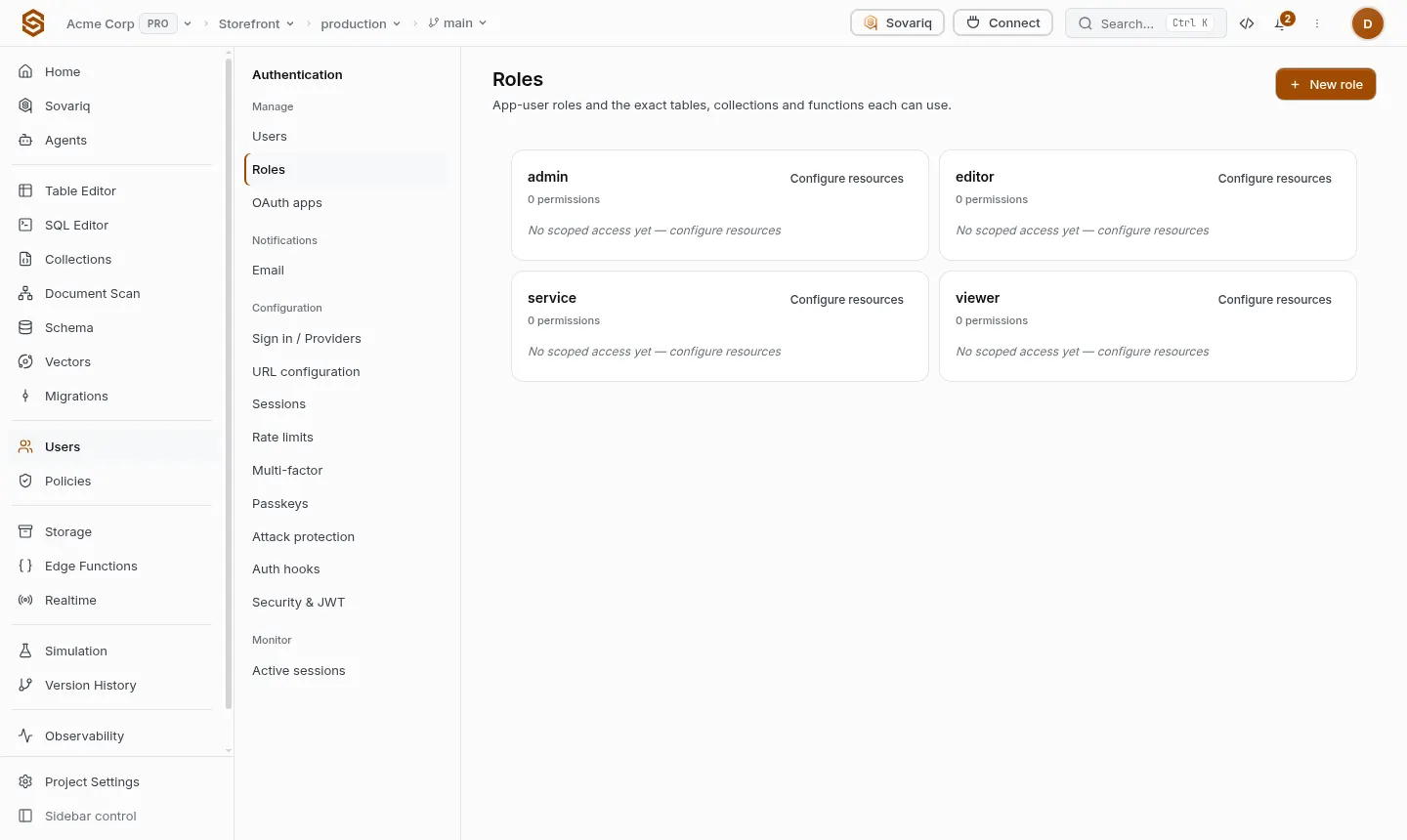
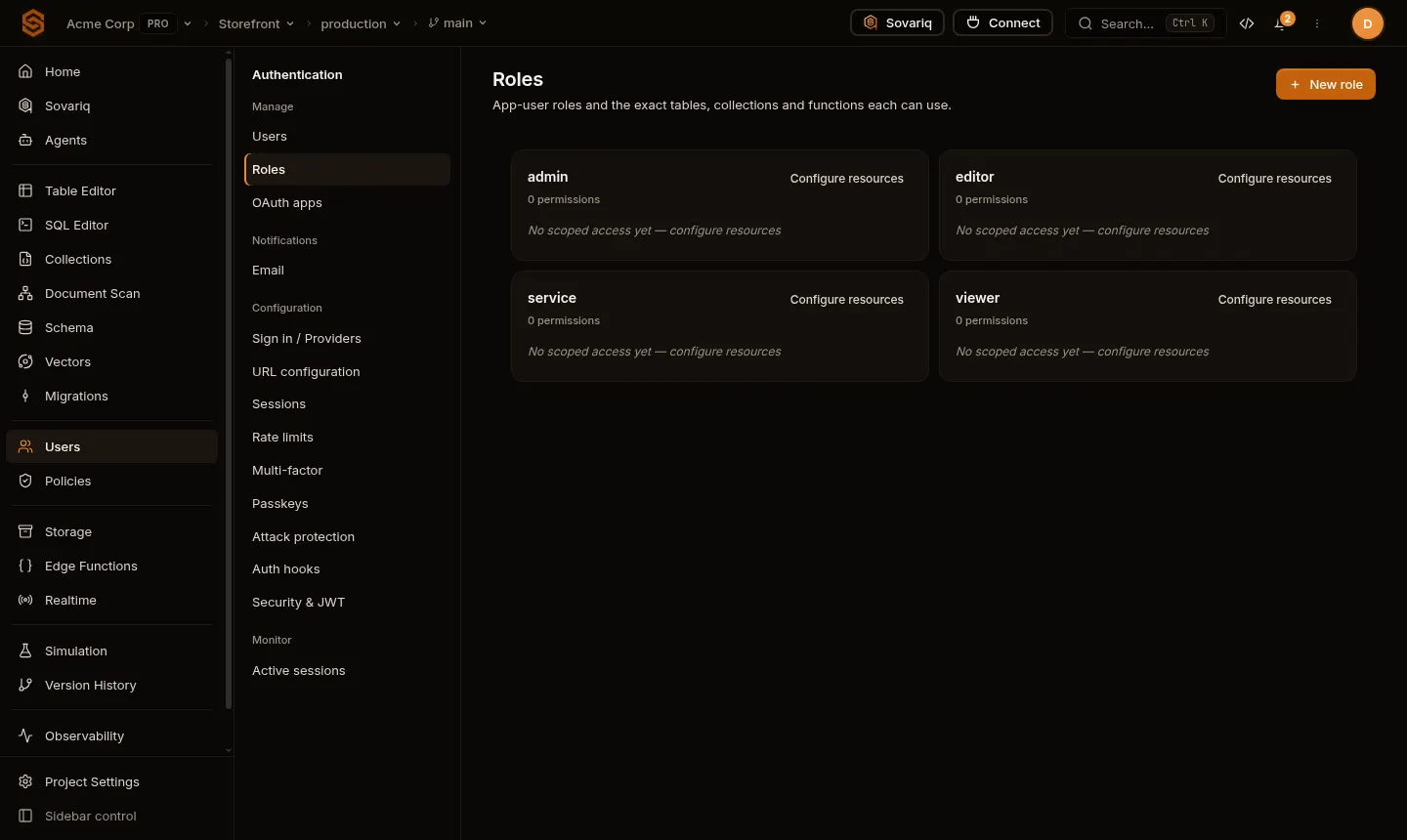
App roles are labels you define (for example STAFF, EDITOR, SUPPORT). Assign them to users, then check them in SQL policies with auth.has_role('STAFF') or in project access policies. Roles are included in the user's token, so changes apply on their next sign-in or token refresh.
create policy "editors update articles" on articles
for update using (auth.has_role('EDITOR')) with check (auth.has_role('EDITOR'));Manage users from your server
With the service role key (servers only) you can list, create, ban and delete users through the admin API — the same routes the console uses, under /api/v1/projects/<project-id>/auth/users.
curl -s https://<project-ref>.sovaria.in/api/v1/projects/<project-id>/auth/users \
-H "Authorization: Bearer $SOVARIA_SERVICE_ROLE_KEY"Test as a user
Test session on a user issues a short-lived, clearly marked session so you can run queries exactly as that user and check your policies. It works only for app users, never for console members.
Ban and delete
- Banning signs the user out everywhere and blocks sign-in, magic links and resets until you unban them.
- Deleting removes the user's account and sessions. Rows they own in your tables stay until you delete them (use foreign keys with
on delete cascadeif you want them removed).