

Database
Your project's Postgres database: create tables in the console, query them safely from your app, connect tools directly, and keep the schema under version control.
Every project has its own dedicated Postgres database in the region you chose. You can shape and browse it in the console, read and write it from your app through the SDKs, script it with the sov CLI, and connect any Postgres tool to it directly.
| Tool | Use it for |
|---|---|
| Table Editor | Create tables and columns, browse, filter, sort and edit rows, set row access with one click. |
| SQL Editor | Any SQL: queries, views, functions, policies, multi-statement scripts. Saved and shared queries. |
| Schema | Tables, relationships (visualizer), functions, triggers, webhooks, indexes and extensions. |
| Migrations | The history of every schema change, with rollback (Migrations). |
SDK data.sql() | Queries from your app, as the signed-in user, with bound parameters. |
sov db | Scripting: run SQL, list tables, pull the schema, push migrations, seed data. |
| Direct connection | psql, ORMs, BI and migration tools (Connect → Database). |
Create and edit tables in the console
Open Table Editor. The left column lists the tables of the selected schema (public by default); pick one to browse its rows. Use Filter rows and Sort to narrow them down, Insert to add a row, and click a cell to edit it.
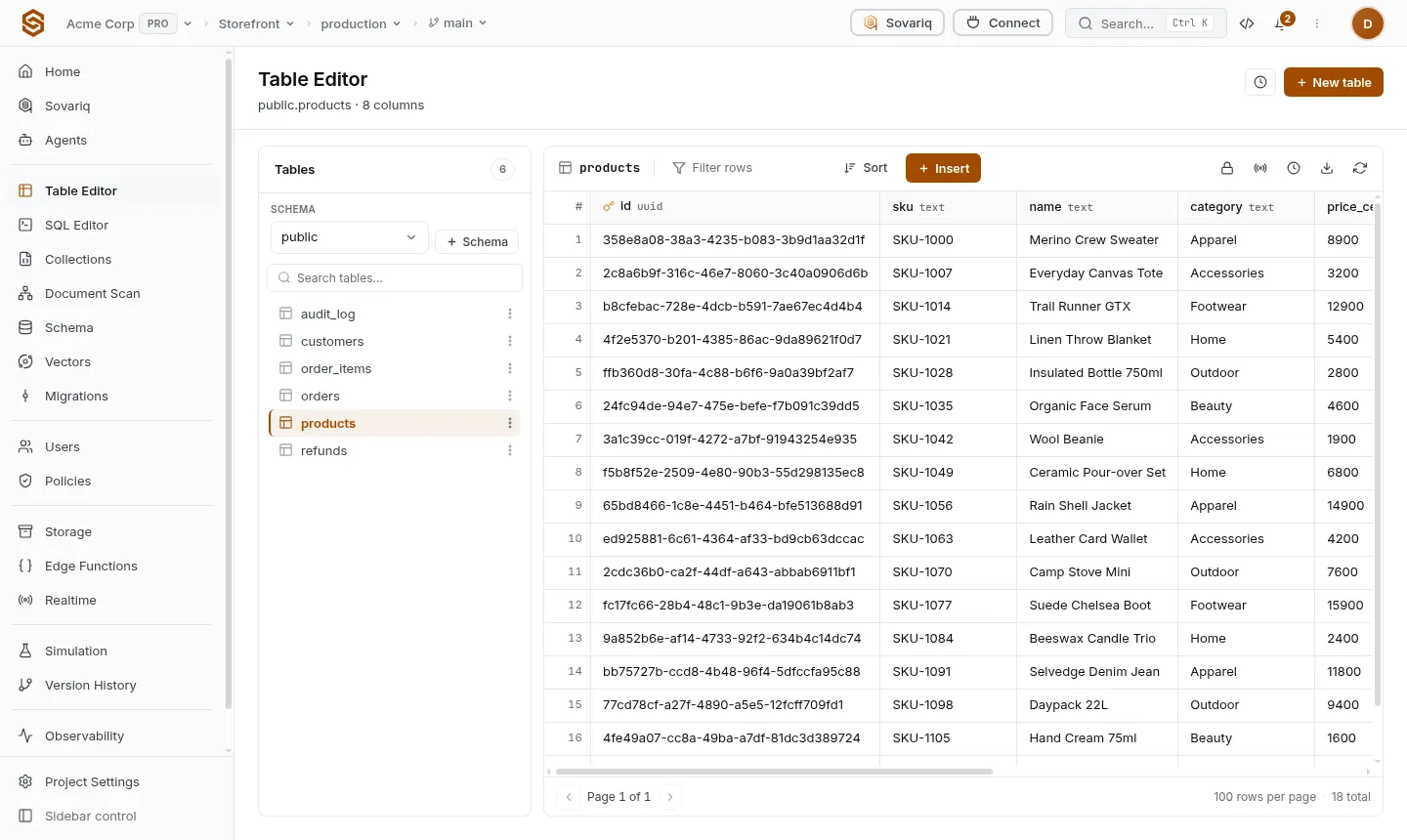
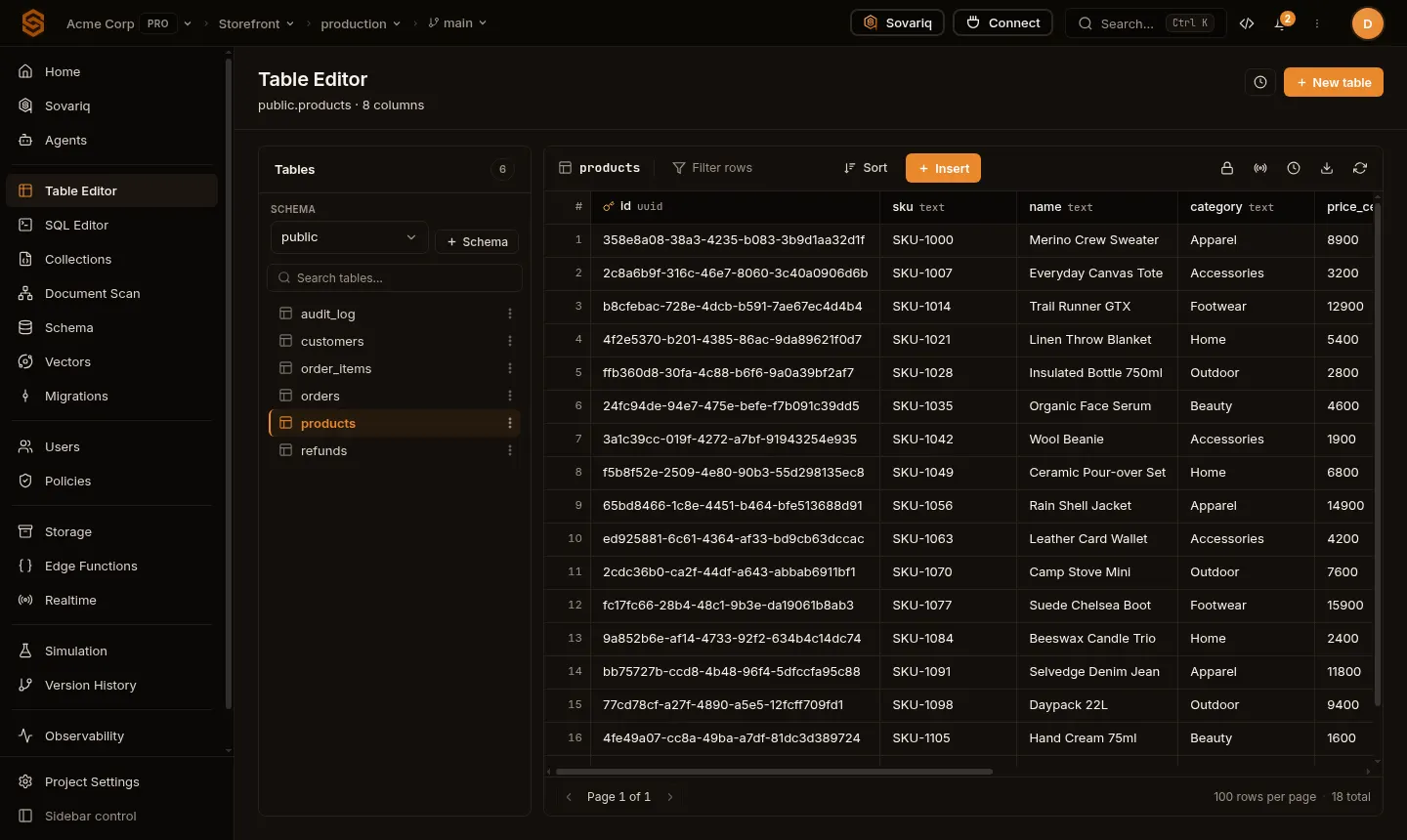
New table
New table opens a panel where you set the name, an optional description, the columns and who may access the rows:
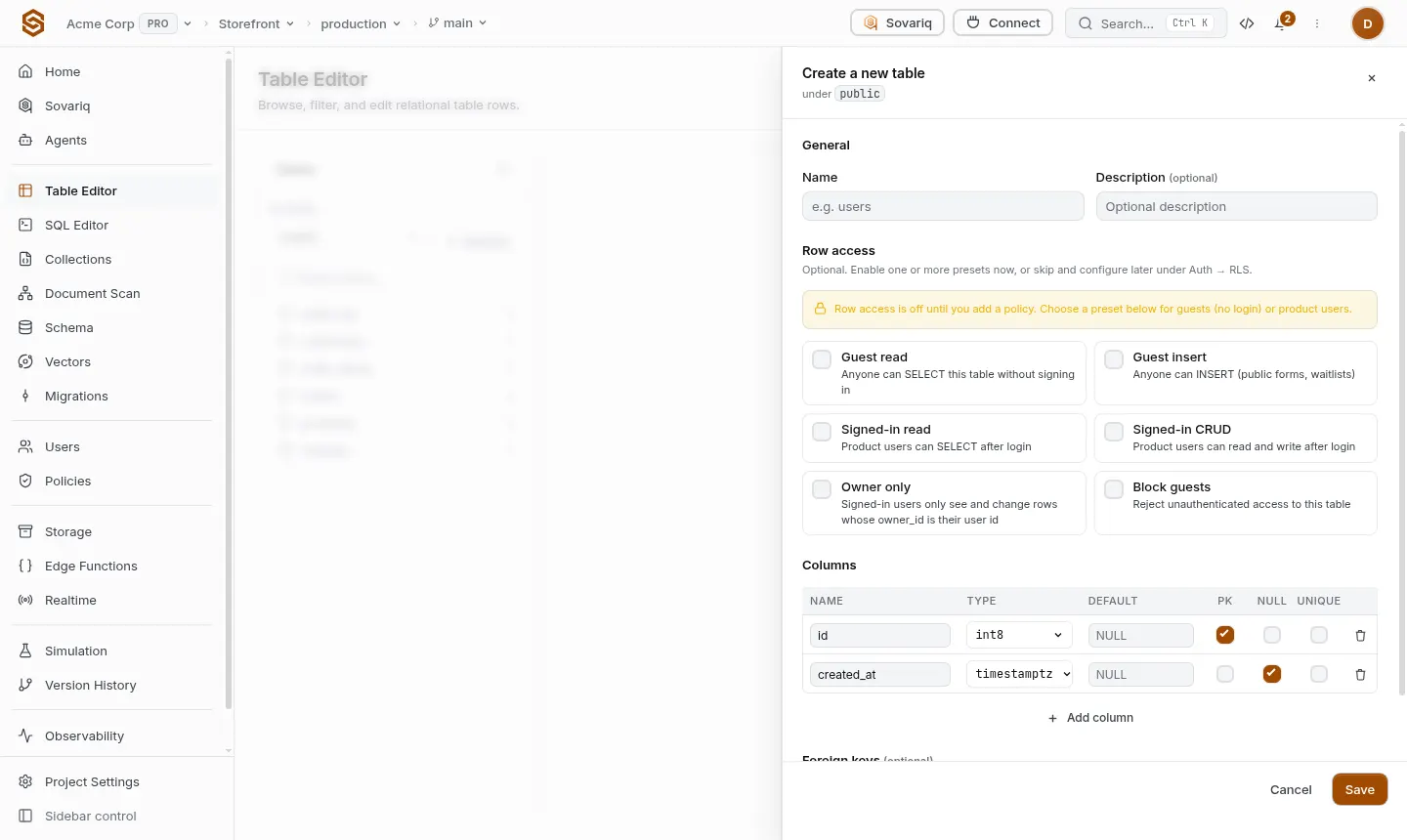
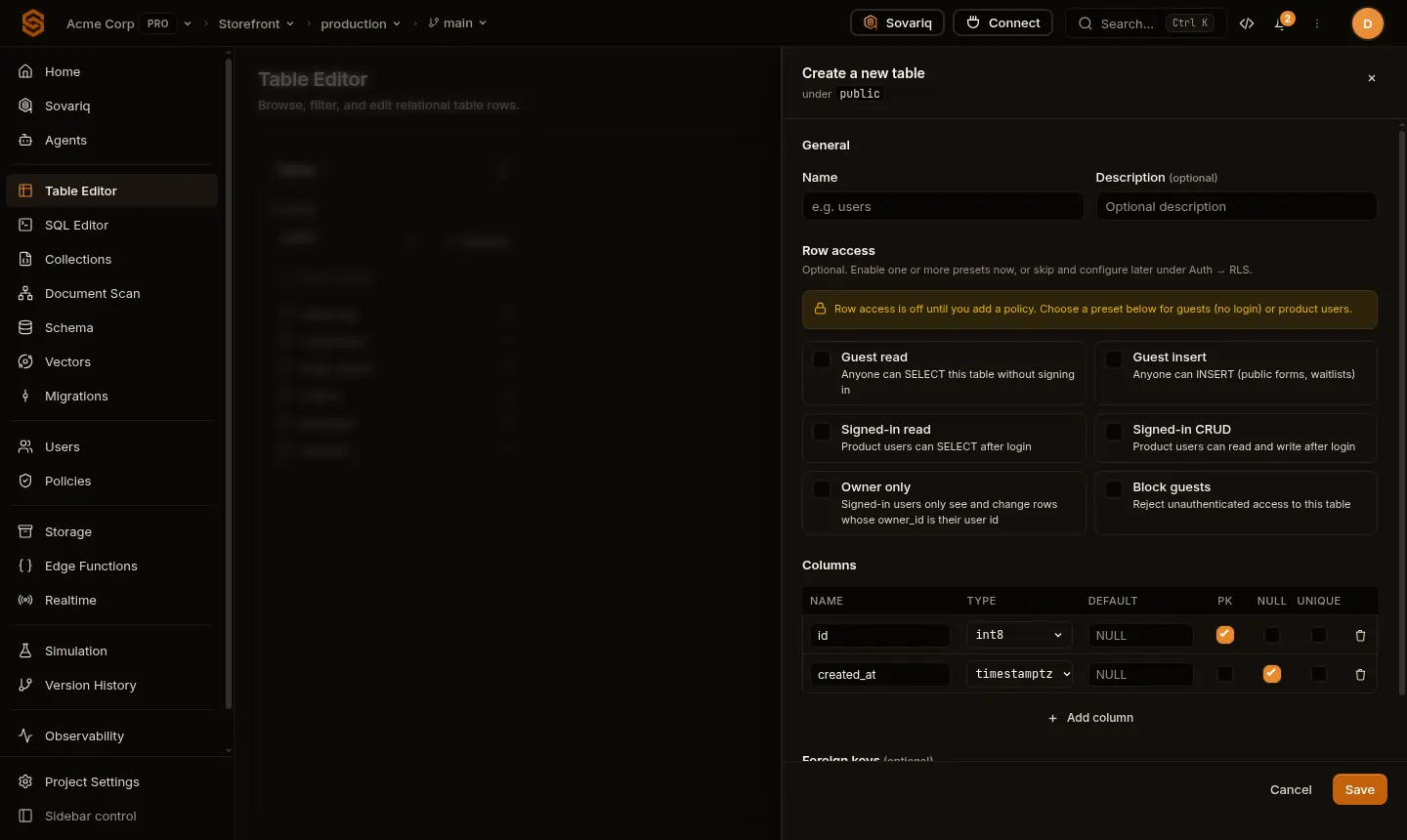
id (primary key) and created_at. Pick a Row access preset so your app can use the table.- Columns — name, type, default value, primary key, nullable and unique. Types include numbers (
int2/int4/int8,numeric,float4/float8, serials), text (text,varchar), dates and times (date,timestamptz,interval, …),bool,uuid,json/jsonb,bytea, network and geometric types. - Foreign keys — link a column to another table's column.
- Row access — presets that create access policies for this table (below). Without one, app users can't use the table.
| Row access preset | Effect |
|---|---|
| Guest read | Anyone, signed in or not, can SELECT. |
| Guest insert | Anyone can INSERT (public forms, waitlists). |
| Signed-in read | Signed-in app users can SELECT. |
| Signed-in CRUD | Signed-in app users can select, insert, update and delete. |
| Owner only | Signed-in users only see and change rows whose owner_id is their user id (enforced by row-level security in the database). |
| Block guests | Rejects all requests from people who are not signed in. |
SQL Editor
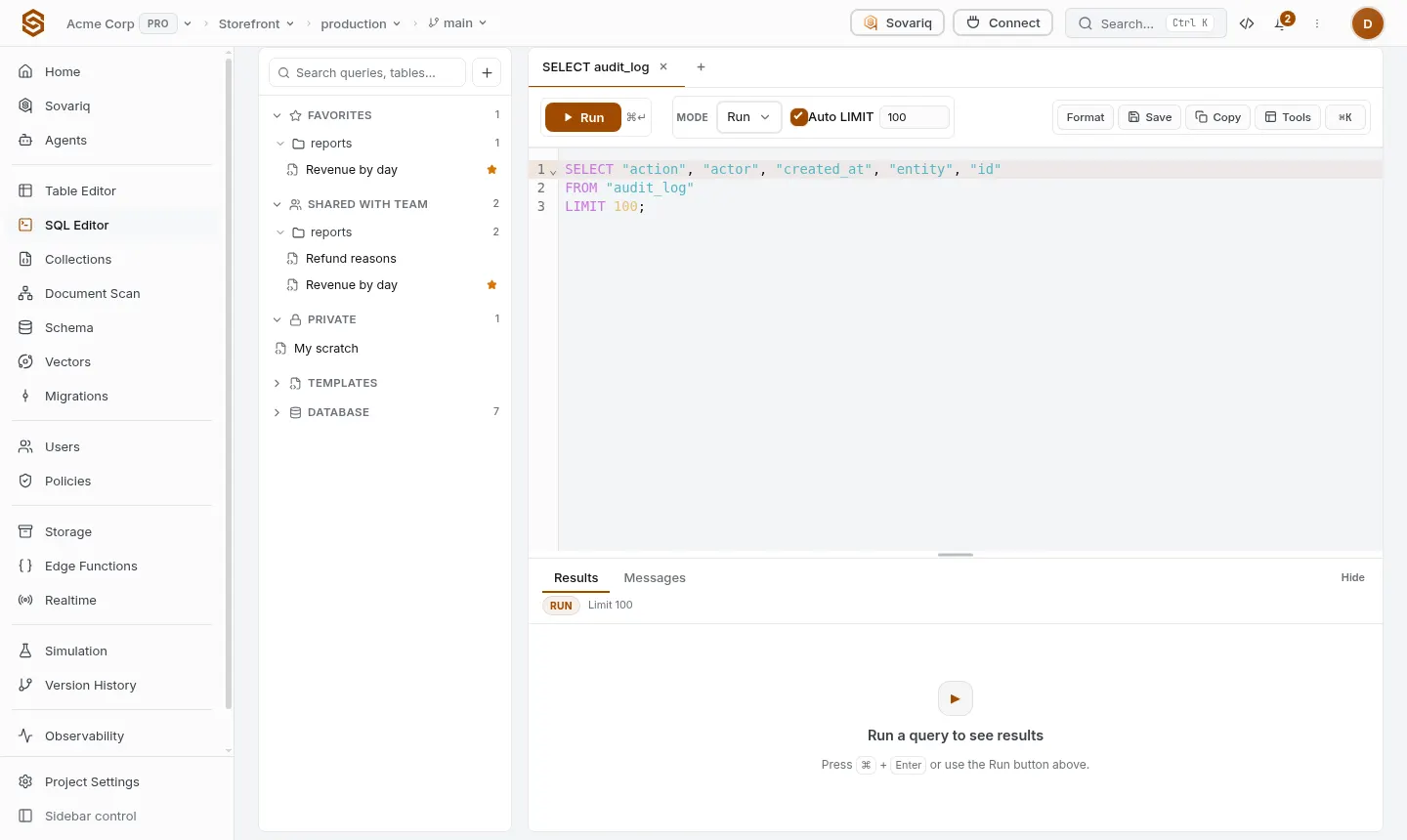
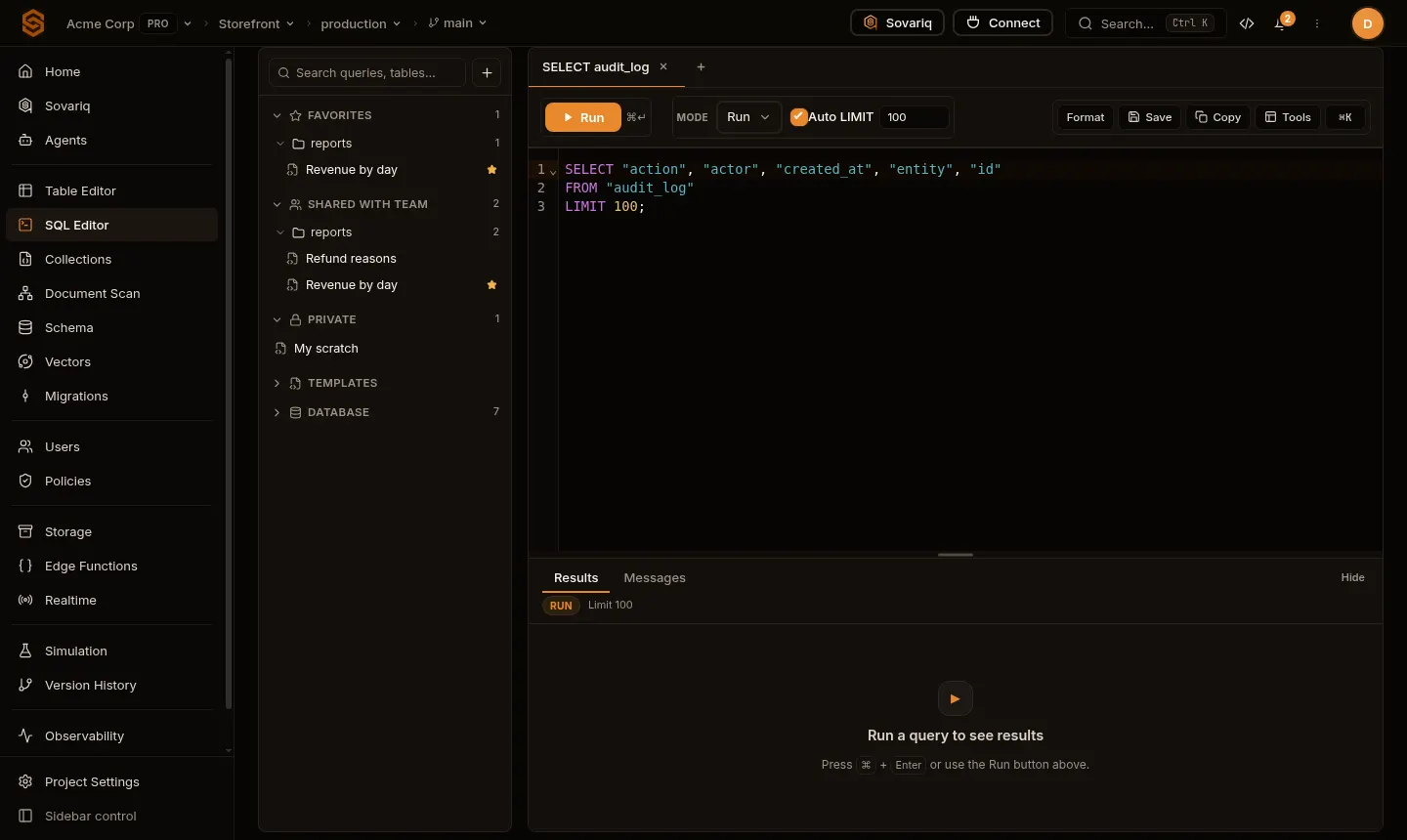
- Run with ⌘/Ctrl + Enter. Runs the whole script, or only the selected text. All statements of a script run in one transaction: if one fails, nothing is kept.
- Mode: Run executes; Explain shows the query plan without running it; Dry run runs the script and rolls it back, so you can check a change safely.
- Auto LIMIT adds
LIMIT 100(configurable) to queries without one, so a big table can't flood your browser. - Save keeps a query privately or shares it with your team; Format tidies the SQL.
- Schema changes made here (
create,alter,drop) are recorded as Migrations automatically. - Owners and admins can change the schema; other roles can run queries but not schema changes.
Query from your app
data.sql() sends one statement with its values. Placeholders $1, $2, … are bound by the database: a value can never become part of the SQL, which is what protects you from SQL injection. Never build SQL by concatenating user input.
// Read
const { columns, rows } = await sovaria.data.sql(
  'select id, name, price_cents from products where price_cents <= $1 order by name limit $2',
  [5000, 20],
)
// rows: [[42, 'Notebook', 1299], ...] in the order of `columns`
const products = rows.map((r) => Object.fromEntries(columns.map((c, i) => [c, r[i]])))

// Write — "returning" gives you the new row back
const { rows: [[id]] } = await sovaria.data.sql(
  'insert into products (name, price_cents) values ($1, $2) returning id',
  ['Notebook', 1299],
)
Response
{
  "columns": ["id", "name", "price_cents"],
  "rows": [[42, "Notebook", 1299]],
  "row_count": 1,
  "txid": 0
}
What apps can run
SELECT,INSERT,UPDATE,DELETE,EXPLAINand read-onlyWITHqueries — one statement per request.- Schema changes (
create,alter,drop) are not allowed from app code: make them in the console, with migrations or the CLI. - Writes can't be hidden inside
WITH,EXPLAIN ANALYZEis refused (it would execute the statement), and app users can't read system catalogs. - Up to 100 parameters and 64 KB of SQL per request. Values may be strings, numbers, booleans,
null, or JSON objects/arrays (sent asjsonb). When Postgres can't infer a type (e.g.select $1), add a cast:$1::int.
Who can read and write which rows
App users and the anon key have no access to a table until you allow it. Two layers decide:
- Access policies (Policies page, or a Row access preset) decide whether a caller may run
SELECT/INSERT/UPDATE/DELETEon the table at all. - Row-level security in Postgres decides which rows: with RLS enabled and forced on a table, your
create policyrules filter every query, and Sovaria lets them decide when no access policy does.
Console members (in the SQL editor and Table Editor) and the service role key are not limited. Details and patterns: Row-level security and access.
Schema, relationships and indexes
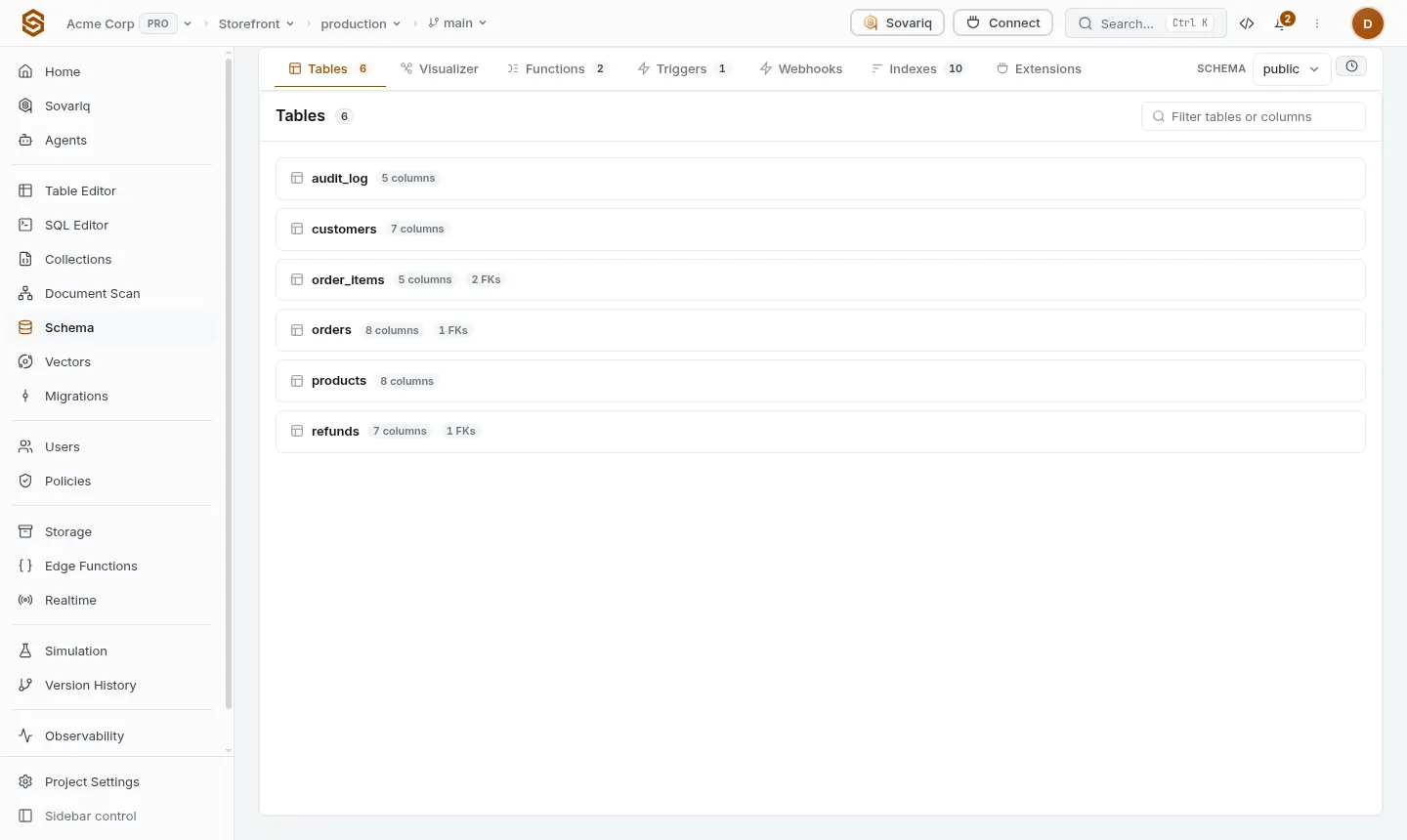
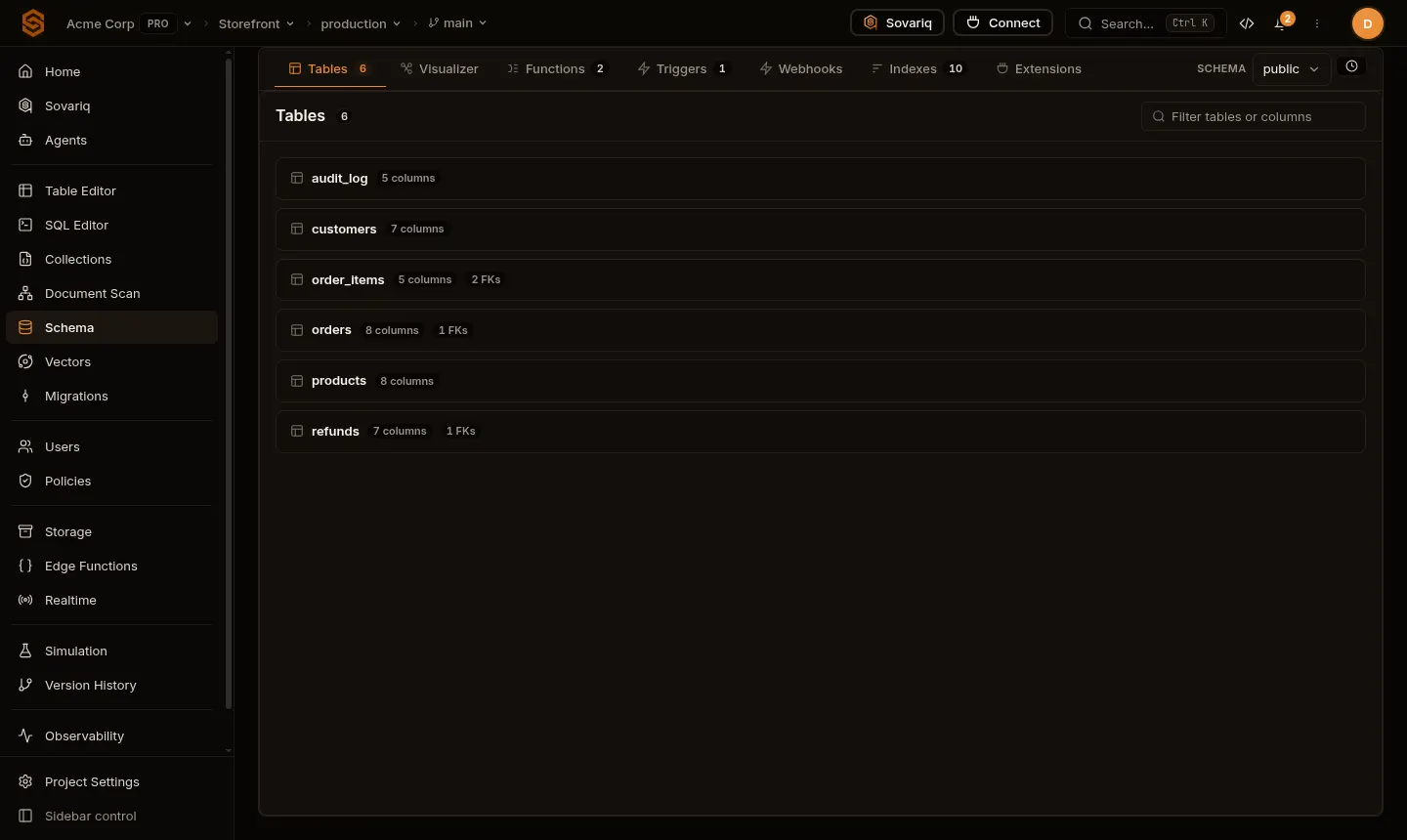
- Add indexes for columns you filter or join on, and for columns used in row-level security policies.
- Webhooks call a URL when rows are inserted, updated or deleted.
- Extensions lists the Postgres extensions you can enable (for example
pgcrypto,pg_trgm).
Connect directly with Postgres tools
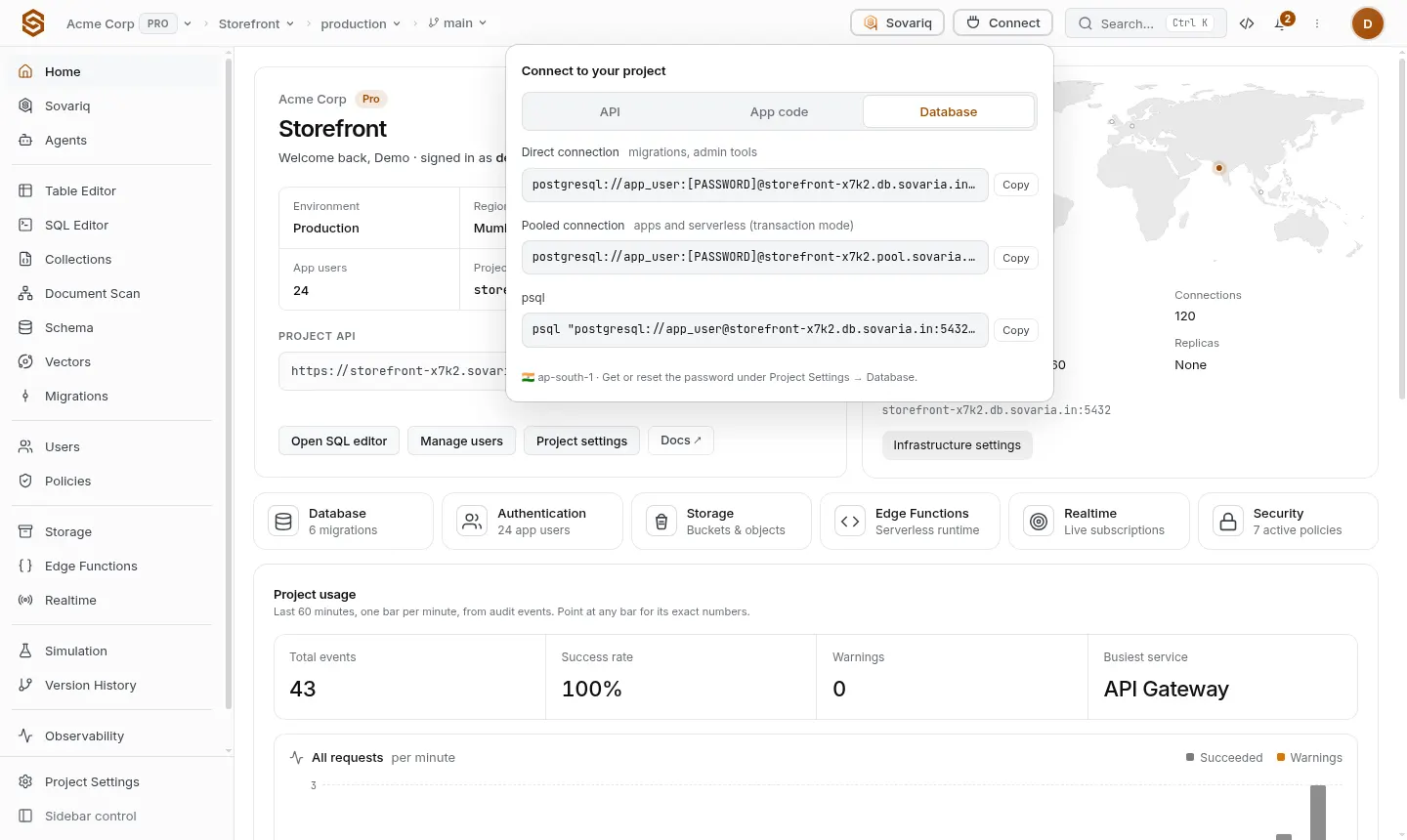
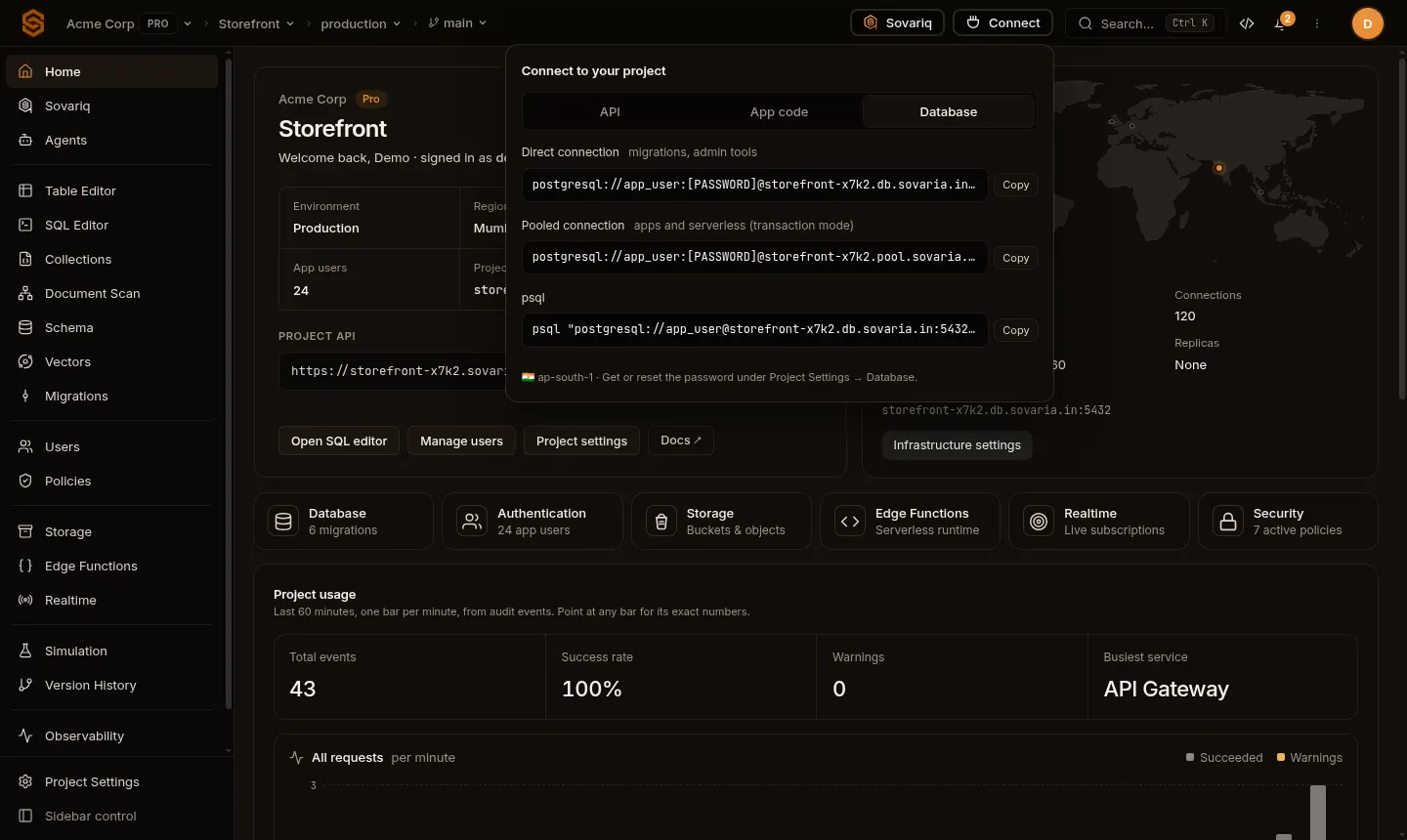
| Connection | Use for |
|---|---|
Direct (<ref>.db.sovaria.in:5432) | Migrations, admin tools, long-lived servers. |
| Pooled (transaction mode) | Serverless functions and apps with many short connections. Session features (prepared statements across transactions, LISTEN) are not available in transaction mode. |
Database from the CLI
sov db tables                                   # tables in the linked project
sov db sql "select count(*) from orders"         # run SQL
sov db create-table reviews '[{"name":"id","type":"SERIAL","primary_key":true},{"name":"body","type":"TEXT"}]'
sov db pull                                      # write the current schema as a migration snapshot
sov db diff                                      # compare the live schema with that snapshot
sov db seed                                      # run your seed SQL
sov db migrations new add_reviews                # new timestamped migration file
sov db migrations push                           # apply pending migrations
Every command and option: CLI reference.
React to changes
Turn on Realtime → Database change data capture for a table to push its inserts, updates and deletes to subscribed clients — they only receive rows they may read. See Realtime.
Errors
| Status | Meaning | What to do |
|---|---|---|
400 | Invalid SQL, a failed constraint, more than one statement, a schema change from app code, or a bad parameter. | Read detail; fix the statement. |
401 | Missing or expired session or key. | Sign in again (the SDK refreshes sessions automatically). |
403 … NO_POLICY_DEFINED | No access policy and no forced RLS covers this table for this caller. | Add row access for the table — Row-level security and access. |
403 … POLICY_DENY | An access policy explicitly denied it. | Check Policies, or test the request in Simulation. |
408 / timeout | The statement ran longer than your plan allows. | Add an index, add a limit, or move heavy work to a migration. |