

SQL editor
Write and run SQL in the console: run, explain and dry-run modes, confirmations for changes, row limits and timeouts, saved, shared and private queries, templates, formatting and permissions.
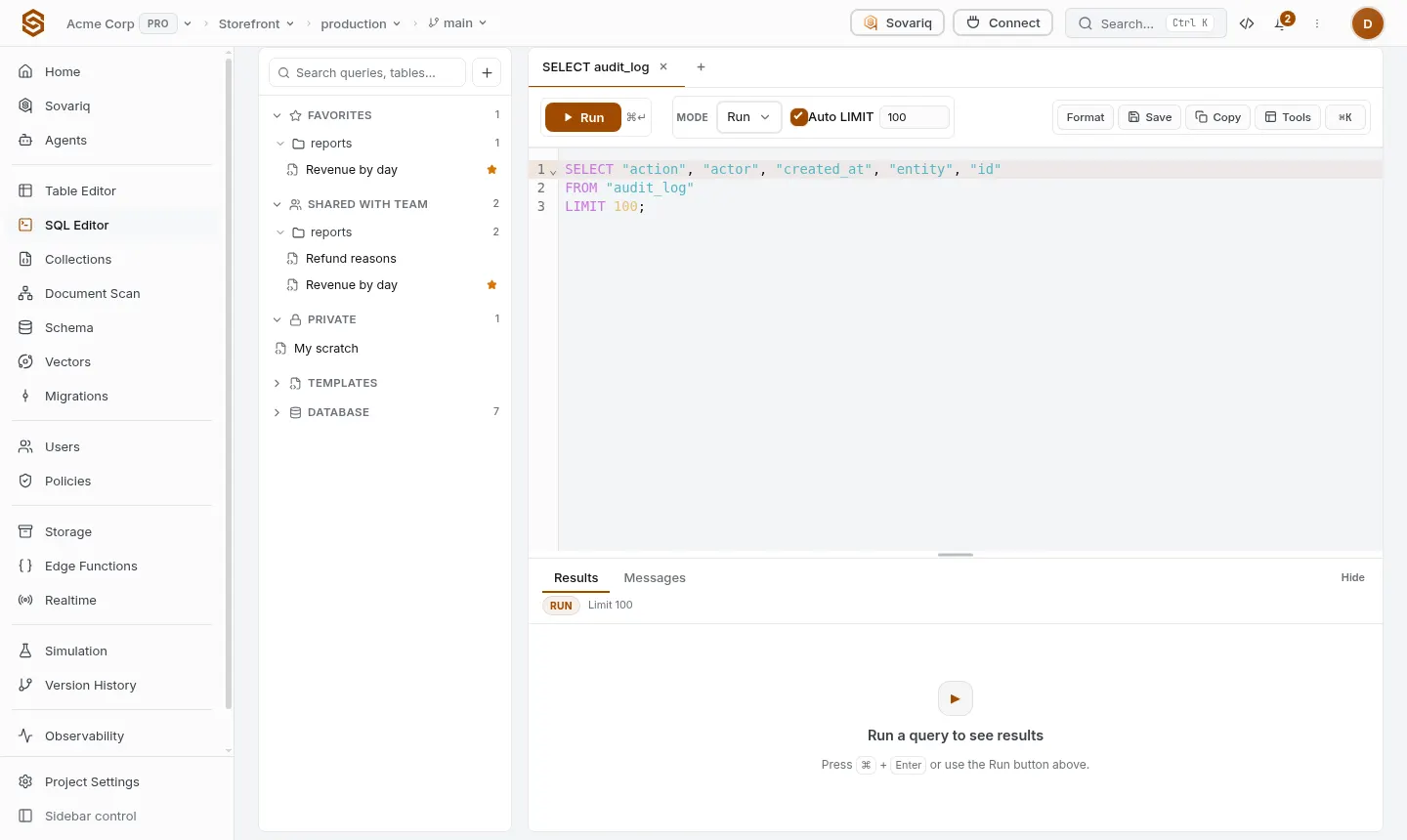
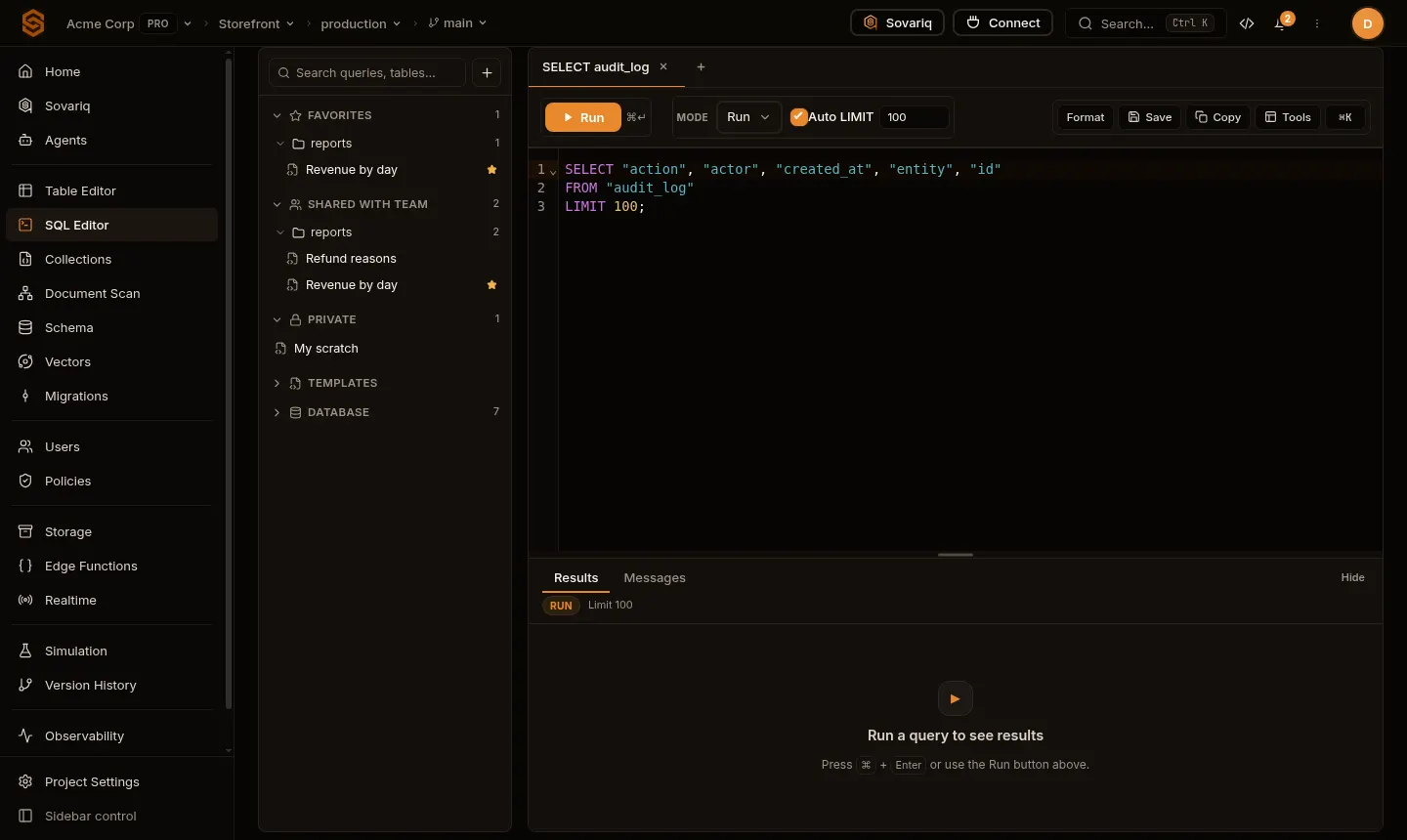
The SQL editor runs SQL on your project's database as your team member account — with full access, like the service role key. Use it for exploring data, one-off fixes and trying schema changes before making them migrations.
Run, Explain and Dry run
| Mode | Does | Use it for |
|---|---|---|
| Run | Executes the SQL. Statements that change data or schema, or several statements at once, ask you to confirm first. | Real changes and queries. |
| Explain | Shows the query plan without running the query. | Seeing whether an index is used. |
| Dry run | Checks and runs read-only SQL; statements that would change data or schema are not executed. | Trying queries safely on production. |
Press ⌘/Ctrl + Enter to run. To test a schema change without keeping it, use a migration Dry run, which runs it in a transaction that is rolled back (Migrations).
Row limits and timeouts
- A
SELECTwithoutLIMITis limited automatically (the default row limit is in the toolbar); the result says when it was cut. - Long statements are cancelled by the statement timeout (Pooling and timeouts).
- Large results are better exported than displayed — select and download.
Saved queries
| Folder | Who sees it |
|---|---|
| Private | Only you. |
| Shared with team | Everyone in the organization who can open the project. |
| Favorites | Your starred queries, private or shared. |
| Templates | Ready-made queries (create a table, enable RLS, find slow queries…) to start from. |
Format (⇧⌥F) tidies the SQL. The Database tree beside the editor lists schemas, tables and columns; click to insert names.
Who can run what
Read-only statements need database.read; anything that writes, changes the schema or has several statements needs database.write (Organizations, members and roles). Viewers can run read-only queries only.