

Table editor
Create and change tables without SQL: columns and types, keys and relationships, row access presets, browsing, filtering, sorting and editing rows, and what happens when a write fails.
Create a table
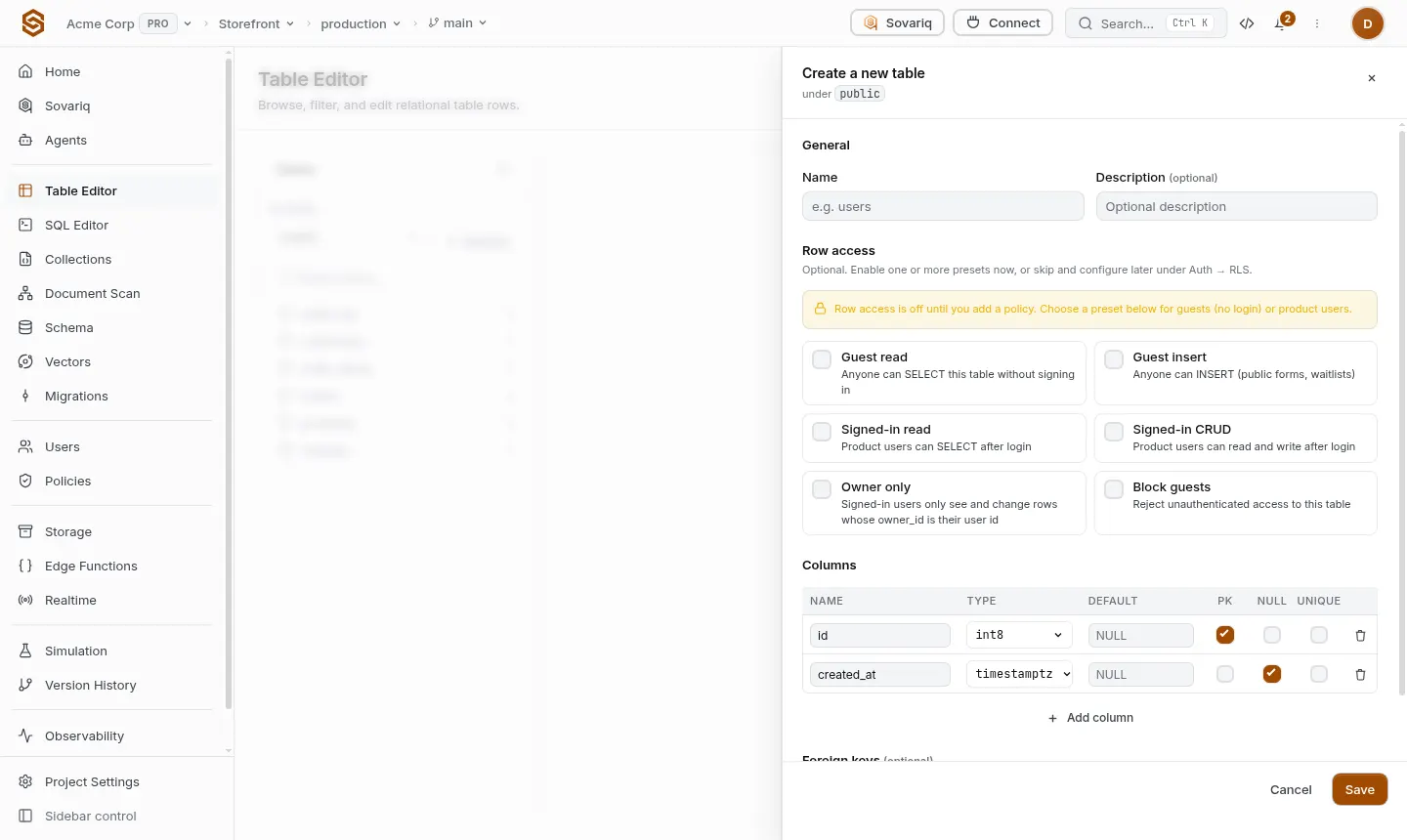
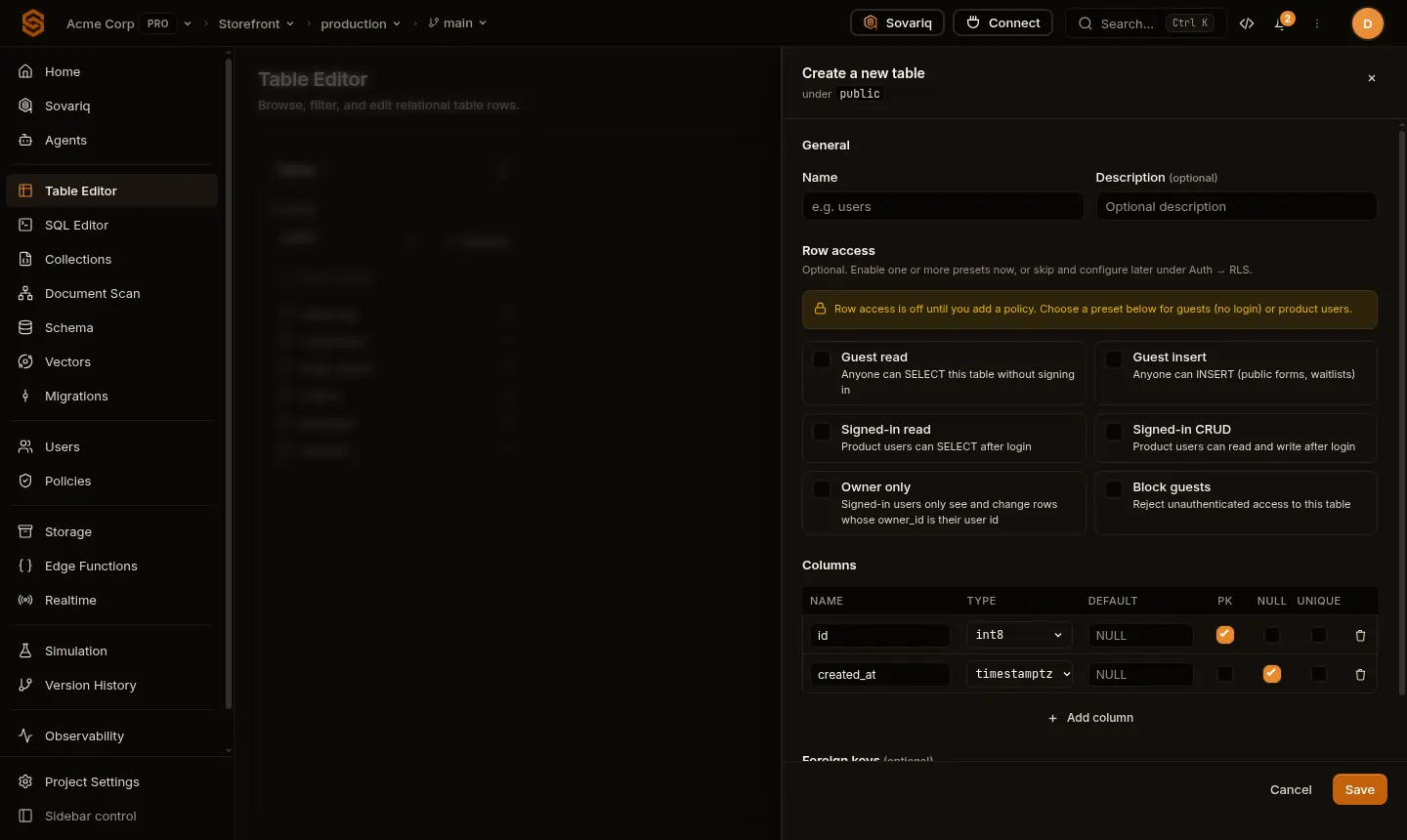
New table
Name it (lowercase, underscores). It starts with
id(primary key) andcreated_at.Row access
Pick one or more presets so your app can use the table: Guest read, Guest insert, Signed-in read, Signed-in CRUD, Owner only (each user sees only rows they own), Block guests. Skip this and app users can't use the table until you add a policy — a safe default.
Columns
Add columns with a type, default, primary key, nullable and unique. Common choices:
text,int8,numeric,bool,timestamptz(defaultnow()),uuid(defaultgen_random_uuid()),jsonb.Foreign keys
Link a column to another table's key; choose what happens when the referenced row is deleted.
Save
The table is created and recorded in version history, so the change can be rolled back.
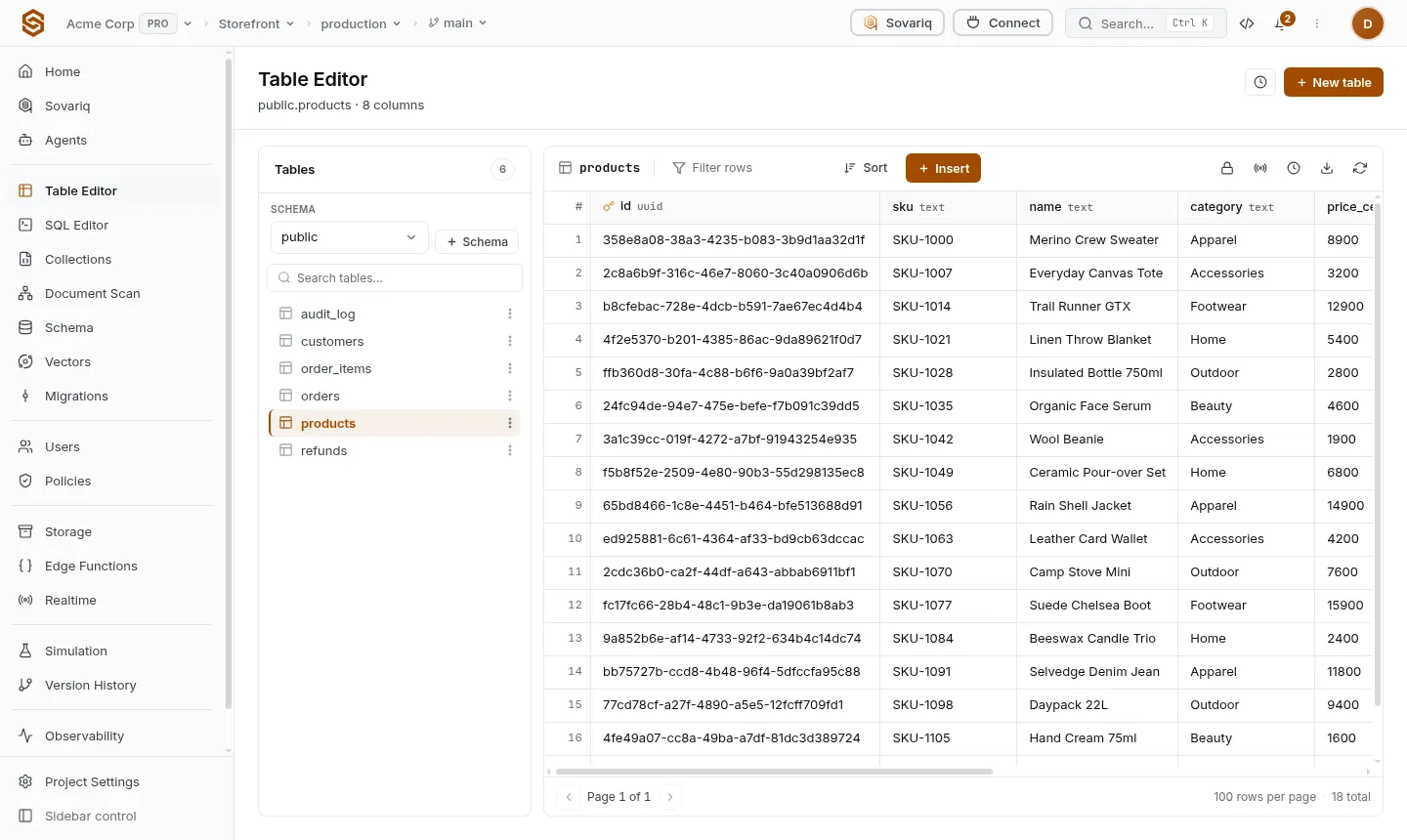
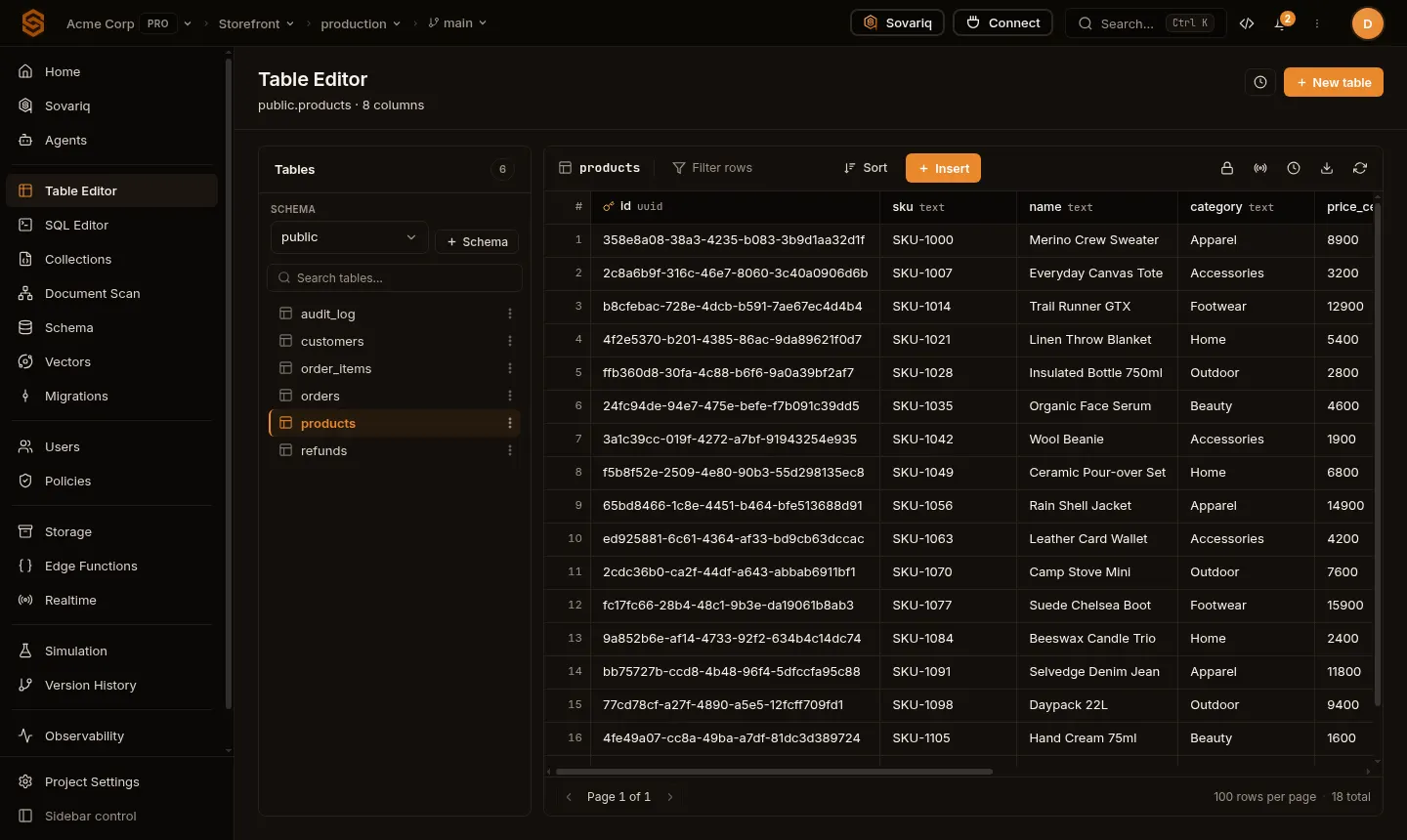
Browse and edit rows
- Filter by any column (equals, contains, greater than, is empty…) and Sort by one or more columns; the page shows 100 rows at a time.
- Insert adds a row with a form that matches each column's type; JSON and arrays get an editor that checks the value.
- Double-click a cell to edit it; select rows to delete several at once.
- Row-level security doesn't limit you here: the Table Editor works with your team access.
Change a table
Add, rename or drop columns and change their type from the column menu. Changes on large tables can lock them while they run — for big or risky changes, write a migration and dry-run it first (Migrations).
When a write fails
| Message | Fix |
|---|---|
| duplicate key value violates unique constraint | Another row already has that value. |
| violates foreign key constraint | Point to a row that exists, or delete the dependent rows first. |
| null value in column … violates not-null constraint | Fill the required column, or give it a default. |
| invalid input syntax for type … | The value doesn't match the column type (for example text in a number column). |
Example: a notes table for signed-in users
Create `notes`
Columns:
owner_id uuid(defaultauth.uid()),body text not null. Preset: Owner only.Insert from the app
Signed-in users insert notes;
owner_idfills itself.await sovaria.data.sql('insert into notes (body) values ($1)', ['Buy milk']) const { rows } = await sovaria.data.sql('select id, body from notes order by id desc')Check
Sign in as a second user: they see none of the first user's notes (Security recipes).