

Database: connection, compute, disk and backups
Connect to your project’s Postgres directly or through the pooler, choose and resize compute, read disk use, and recover data with daily backups, point-in-time recovery and replicas.
Every project has its own Postgres database. The Database group under Project settings has four pages: Connection, Compute & disk, Pooling & timeouts (Pooling and timeouts) and Backups & recovery.
Connection
Pick Pooled or Direct; the page shows the full URI, a ready psql command and each part (host, port, database, user).
| Type | Port | Use it for | Avoid it for |
|---|---|---|---|
| Pooled | 6543 | Functions, edge runtimes, serverless and anything that opens many short connections. | Session features: LISTEN/NOTIFY, session SET, advisory locks held across transactions. |
| Direct | 5432 | Migrations, long-lived servers, admin tools, LISTEN/NOTIFY. | Thousands of short-lived connections — you’ll hit the connection limit. |
psql "postgresql://app_user:<password>@<ref>.pool.sovaria.in:6543/app?sslmode=require"The password is stored encrypted and never shown again. Reset password issues a new one and shows it once — copy it then. Apps using the old password must be updated; their connections fail on the next connect.
Compute & disk
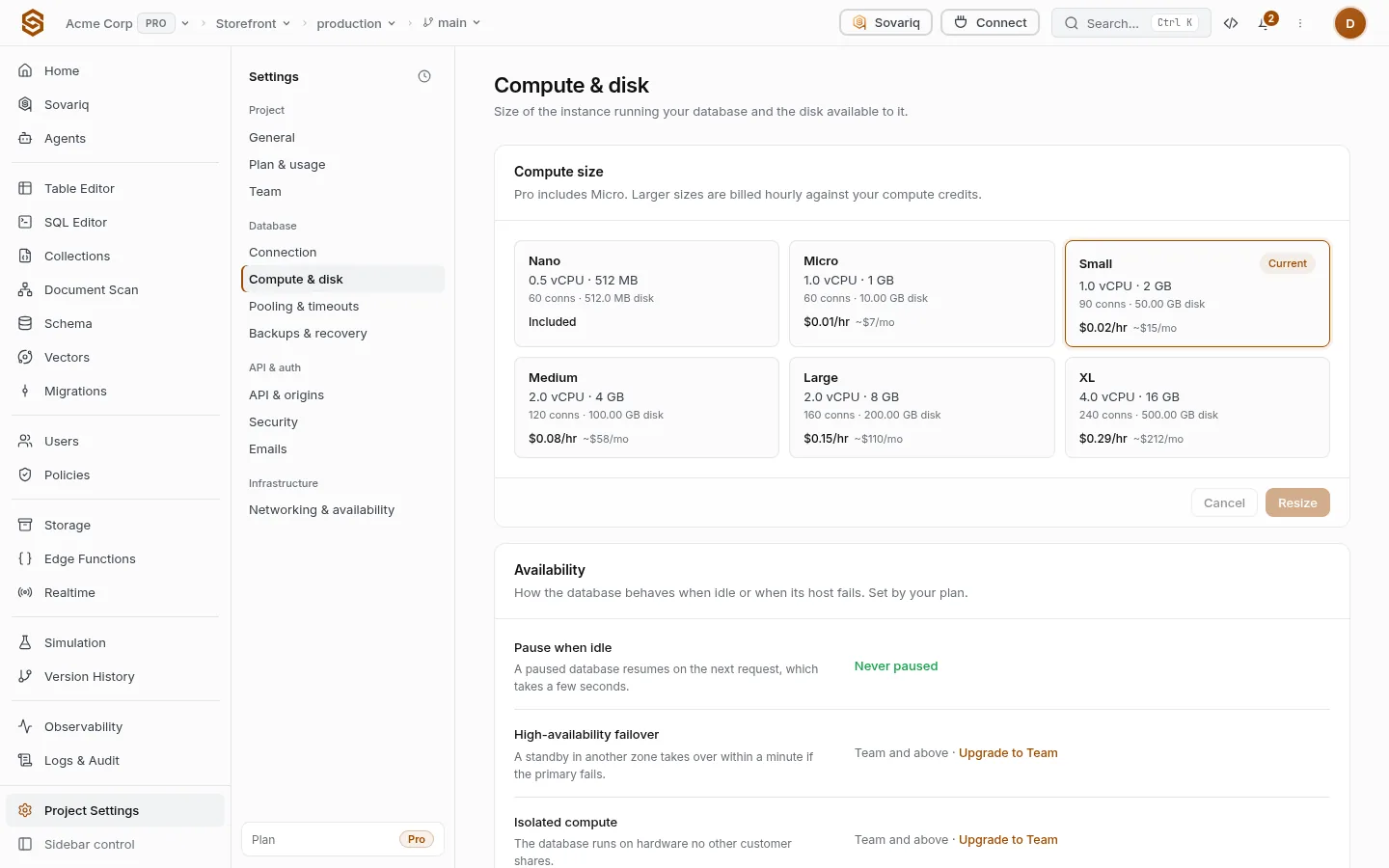
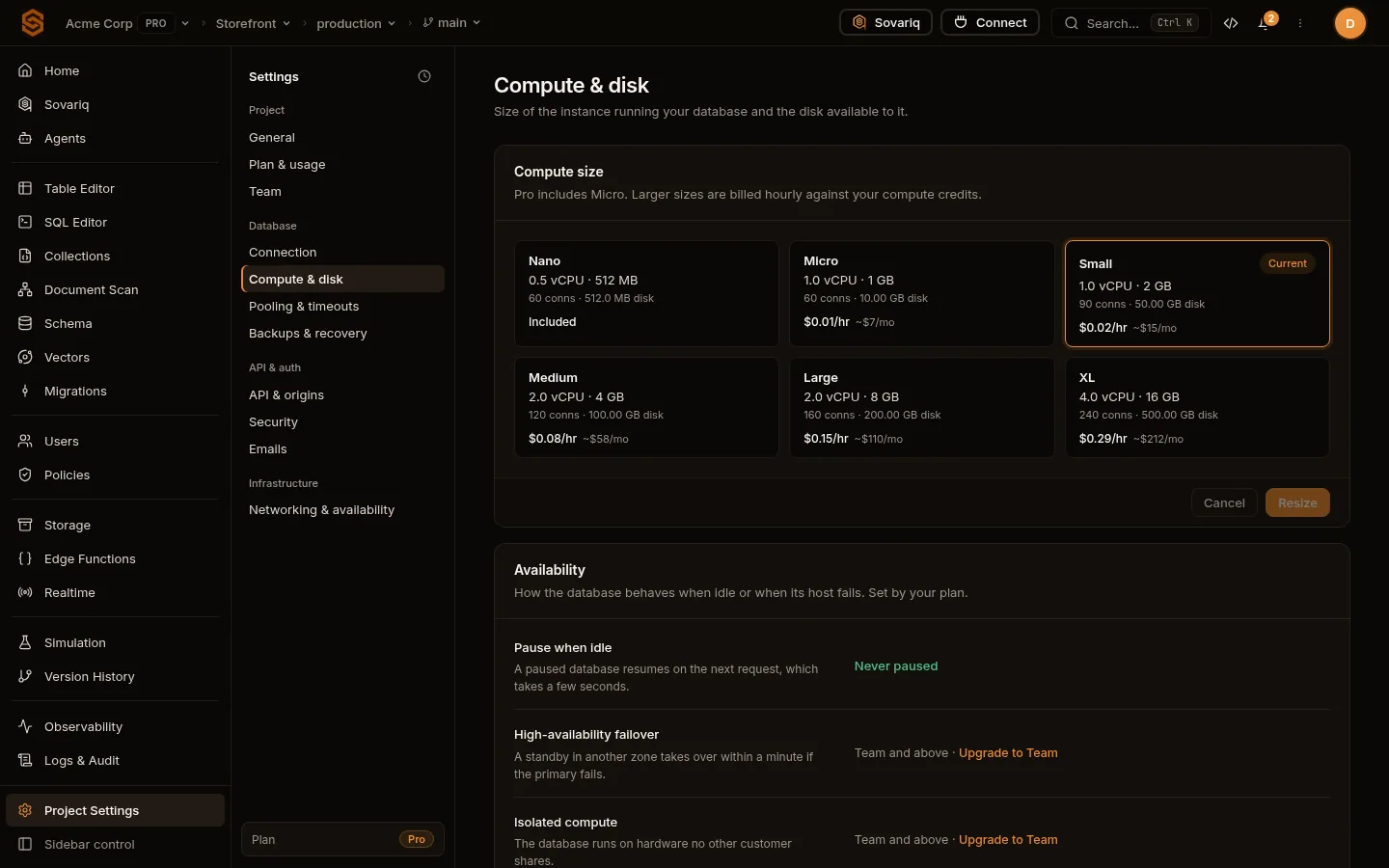
Each card is one instance size: vCPUs, memory, connections, disk and the hourly price. Your plan includes one size; larger ones are billed hourly against your compute credits. Resize asks you to confirm and restarts the database with the new size — expect a short interruption, and do it outside busy hours. On Free the size is fixed; sizes your plan can’t use are disabled.
sov governance db-resize <org-id> <project-id> --compute-size mediumDisk follows the compute size. The meter shows used versus available; to get more disk, move to a larger size.
| Free | Pro | Ultra | Team | Enterprise | |
|---|---|---|---|---|---|
| Database disk | 500 MB | 8 GB | 30 GB | 200 GB | 1 TB |
| Concurrent database connections | 20 | 200 | 500 | 2,000 | 10,000 |
| Active databases | 1 | 1 | 10 | 100 | 500 |
| Tables | 100 | 2,000 | 10,000 | 50,000 | 200,000 |
| Database extensions | Standard | All | All | All | All custom |
Availability
| Feature | What it does |
|---|---|
| Pause when idle | Free databases pause after a week without requests; the next request resumes them in a few seconds. Paid plans never pause. |
| High-availability failover | A standby in another zone takes over within a minute if the primary fails. Request it under Networking and availability add-ons. |
| Isolated compute | The database runs on hardware no other customer shares. |
| Free | Pro | Ultra | Team | Enterprise | |
|---|---|---|---|---|---|
| Days without requests before the database is paused (0 = never); the next request resumes it | 7 days | Never | Never | Never | Never |
| High-availability failover | — | — | — | ✓ | ✓ |
| Isolated compute cluster | — | — | — | ✓ | ✓ |
| Uptime SLA | Best effort | Best effort | 99.5 | 99.9 | 99.99 |
Backups & recovery
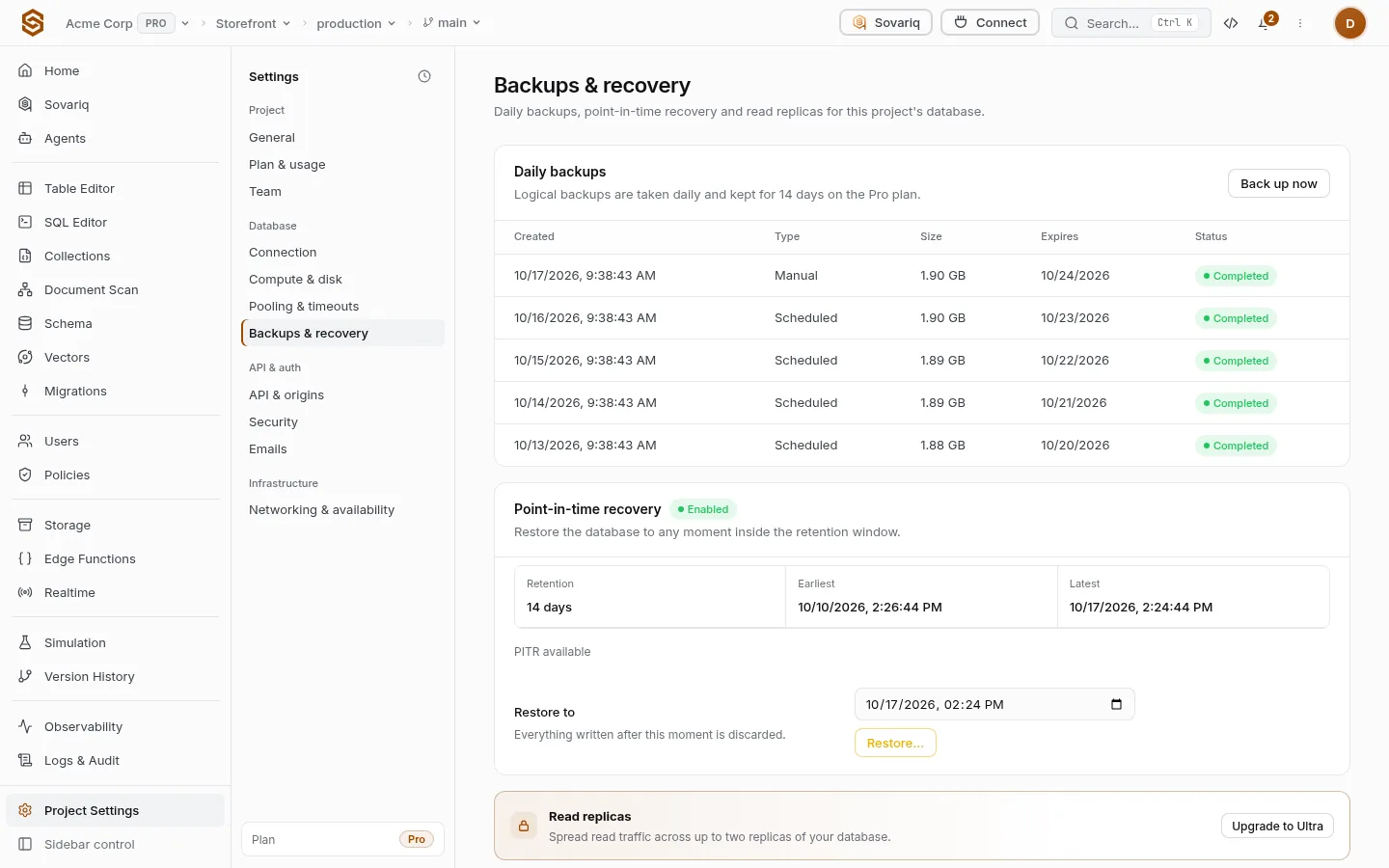
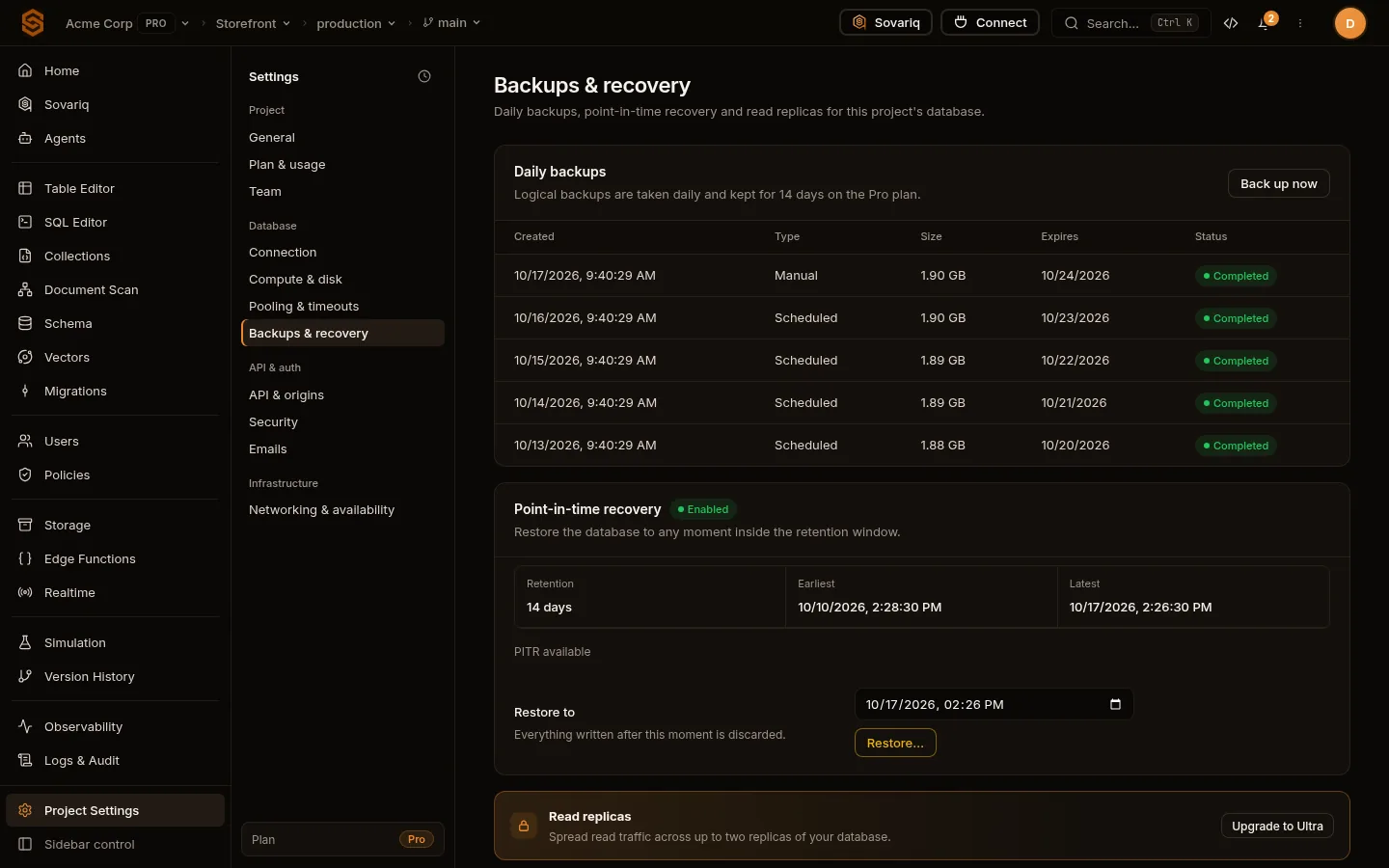
| Feature | What it does |
|---|---|
| Daily backups | A logical backup every day, kept for your plan’s retention. Download one before risky changes. |
| Point-in-time recovery | Restore the database to any moment inside the retention window. |
| Read replicas | Read-only copies for read-heavy apps; writes still go to the primary. |
Find the moment
Look up when the bad change happened — Logs & Audit, or Version history: see, undo and restore changes.
Choose “Restore to”
Pick a time just before it. Everything written after that moment is discarded.
Confirm
The database restarts from that point. Apps reconnect automatically.
sov governance db-backups        <org-id> <project-id>   # list backups
sov governance db-backup-trigger <org-id> <project-id> # take one now| Free | Pro | Ultra | Team | Enterprise | |
|---|---|---|---|---|---|
| Point-in-time recovery | — | ✓ | ✓ | ✓ | ✓ |
| Read replicas | — | — | Addon | Native | Native |