

Plan and usage
Read every limit your plan includes, how much of each monthly allowance you have used, what the next plan adds, what happens at a limit, and how your app should handle it.
Project settings › Plan & usage lists everything your organization’s plan includes. Every number is enforced by the service that owns it — Functions by Forge, storage by Vault, sign-ins by Axis — and this page only reads them, including any limit support raised for your organization.
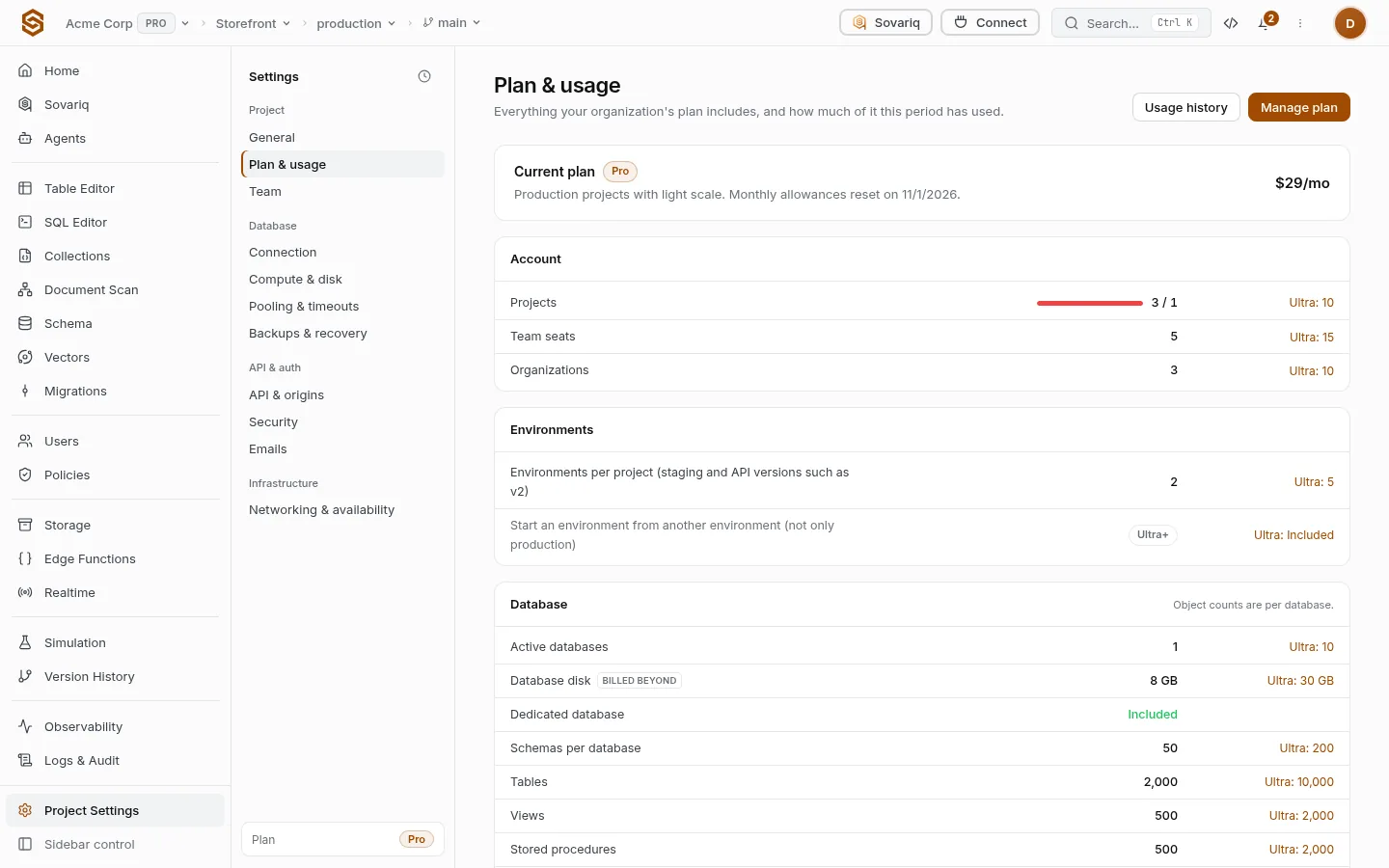
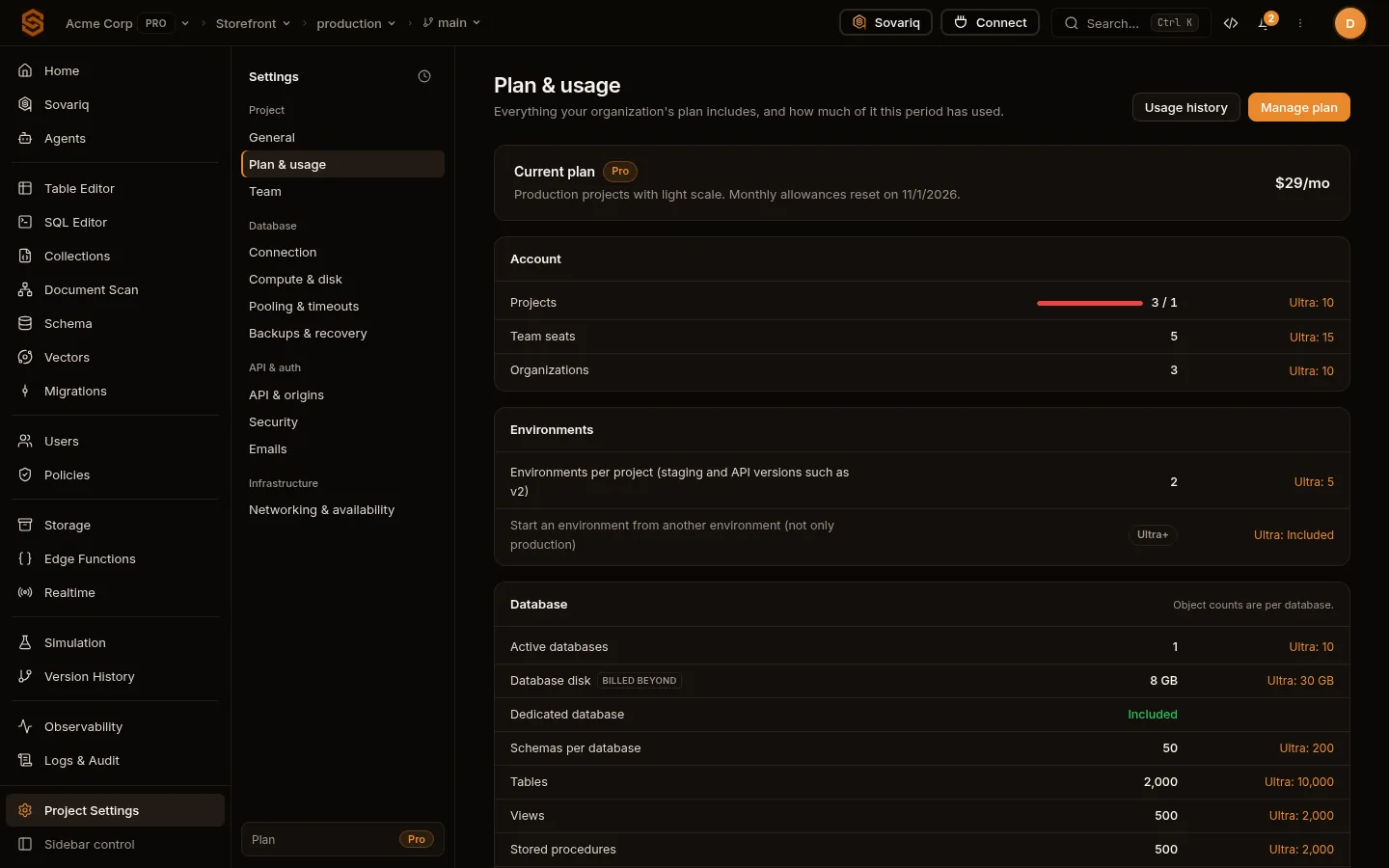
Reading the table
| Part of a row | Meaning |
|---|---|
| Name | What is limited, e.g. “Function memory”. A soft tag means support can raise it without a plan change; billed beyond marks a monthly allowance that keeps working past the limit on paid plans. |
| Middle column | Your value. Monthly allowances show a bar and used / allowed — orange from 80%, red when full. |
| Right column | The next plan that raises it, e.g. Ultra: 2 GB. Empty means you already have the highest standard value. |
| Not included | The feature isn’t on your plan; the row shows the plan that unlocks it (Ultra+). |
What happens when a request hits a limit
Allowances that cost money to serve — function invocations and compute, realtime messages, storage and bandwidth, database disk, emails, push notifications and monthly active users — stop on Free and are billed beyond the allowance on paid plans, up to your spend cap. Counts such as tables, functions, environments and seats are ceilings on every plan.
| Free | Pro | Ultra | Team | Enterprise | |
|---|---|---|---|---|---|
| Function invocations past the allowance | Hard stop | Billed beyond | Billed beyond | Billed beyond | Billed beyond |
| Storage past the allowance | Hard stop | Billed beyond | Billed beyond | Billed beyond | Billed beyond |
| Push notifications past the allowance | Hard stop | Billed beyond | Billed beyond | Billed beyond | Billed beyond |
| Default spend cap (× plan price) | — | 3 | 3 | 2 | — |
Errors your app receives
| Code | When | What to show |
|---|---|---|
PLAN_LIMIT_REACHED | A count or maximum is reached — cron schedules, tables, memory above the cap. | “This project has reached its limit for …” and, for admins, a link to upgrade. |
PLAN_QUOTA_EXHAUSTED | A monthly allowance is used up on a plan that stops at it (Free). resets_at says when it comes back. | “Try again after …” |
PLAN_FEATURE_REQUIRED | The feature isn’t on your plan. | Hide the feature, or show what unlocks it. |
HTTP 403
{
  "detail": {
    "code": "PLAN_LIMIT_REACHED",
    "message": "Your Pro plan includes 25 cron schedules.",
    "limit_key": "fn.cron_jobs",
    "limit": 25,
    "used": 25,
    "plan": "pro",
    "required_plan": "ultra",
    "soft": false,
    "resets_at": null
  }
}Limits next to the controls
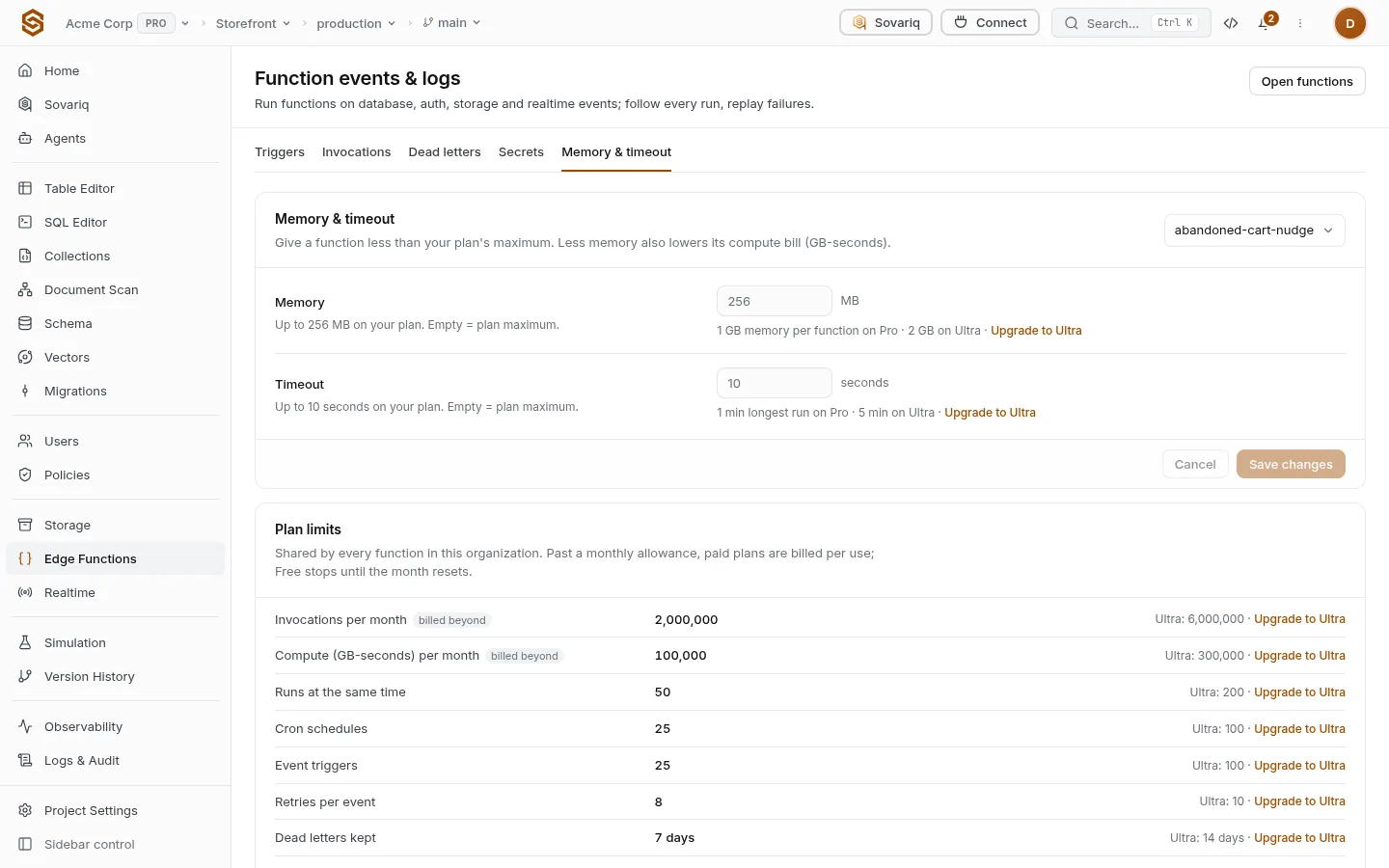
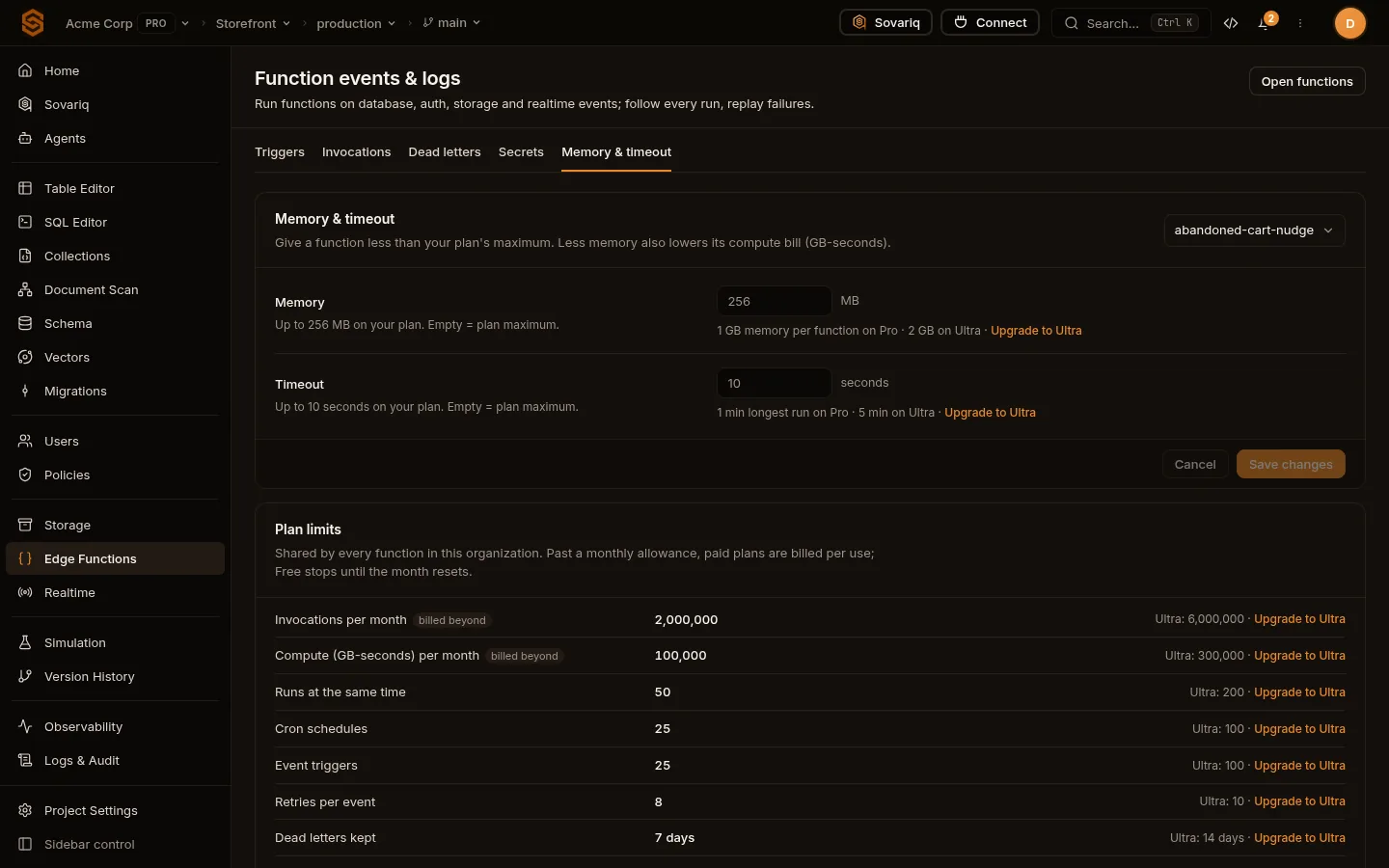
Limited settings carry one quiet line under the control with your value, the next plan’s value and an Upgrade link — for example Functions › Memory & timeout, Settings › Pooling & timeouts, Realtime › Settings and a bucket’s details in Storage. Features your plan doesn’t include stay visible but disabled, with what unlocks them, so you always know what is possible.
Usage from the CLI
sov billing plan <org-id>           # plan and limits
sov billing usage <org-id>          # this period's counters
sov billing usage-history <org-id>  # earlier periods
sov billing overage <org-id>        # what is billed beyond the allowances